Getting to the airport without a boarding pass can feel a little like showing up to a wedding without pants. Technically, you can fix it, but you would have preferred a smoother start. The good news is that getting your boarding pass at the airport is usually simple. In most cases, you have three easy options: use a self-service kiosk, visit the airline check-in counter, or use a mobile boarding pass on your phone while you’re at the airport.
If that sounds too easy, that is because it usually is. The trick is knowing which option fits your trip. A quick domestic flight with only a backpack? One route. An international trip with passport checks, checked bags, and a child who believes the terminal is a racetrack? Probably another route entirely.
In this guide, you’ll learn exactly how to get your boarding pass at the airport, when each method makes the most sense, and how to avoid those classic travel-day headaches like standing in the wrong line, fumbling for your confirmation number, or discovering at the last minute that your phone battery has entered its dramatic era.
What Is a Boarding Pass, Exactly?
Your boarding pass is the document that proves you’ve checked in and are cleared to board your flight. It usually includes your name, flight number, departure time, gate, seat assignment, and boarding group or zone. You’ll need it at security and again at the gate.
Today, a boarding pass can be printed on paper or stored digitally on your phone. Both can work just fine, although some airlines, airports, and special travel situations may steer you toward one format over the other.
Before You Try to Get Your Boarding Pass at the Airport
Before you march confidently toward the nearest machine, have a few basics ready:
- A government-issued photo ID for domestic travel, or your passport for international travel
- Your airline confirmation code, ticket number, or frequent flyer number
- Your travel details, including destination and departure time
- Your phone, ideally charged enough to survive more than one selfie and half a podcast
It also helps to know whether you are checking bags. Travelers with only carry-on bags often have the fastest experience, while checked luggage can add an extra step at the kiosk, bag drop, or check-in desk.
Way 1: Use a Self-Service Kiosk
The self-service kiosk is the airport’s version of a fast-food ordering screen, except the stakes are higher and no one is asking whether you want extra fries. For many travelers, this is the easiest way to get a printed boarding pass at the airport.
How airport kiosks work
You’ll usually find kiosks near your airline’s check-in area. On the screen, the system will ask you to identify your reservation. Depending on the airline, you may be able to pull up your trip by entering:
- Your six-character confirmation code
- Your last name and trip details
- Your ticket number
- Your frequent flyer number
- A passport, credit card, or a scannable barcode from your app or existing boarding pass
Once your reservation appears, you can usually confirm your flight, review your seat, add checked bags, print your boarding pass, and sometimes print bag tags too. Many major airlines in the U.S. let travelers use kiosks to handle most standard check-in tasks without waiting for an agent.
When a kiosk is your best option
A kiosk is usually ideal if:
- You want a printed boarding pass
- You are flying domestically
- Your reservation is straightforward
- You need to print bag tags for checked luggage
- You already checked in online but still want paper in your hand
This option is especially handy for travelers who do not trust their phone battery, screen brightness, or ability to find the correct app while being stared at by a line of impatient strangers.
When a kiosk may not work
Kiosks are great until they are not. Some travelers still need in-person help, especially if they are flying internationally, traveling with a lap infant, using special assistance services, checking unusual baggage, or dealing with a passport or name-matching issue. In those cases, the machine may politely refuse to cooperate and send you to an agent.
Also, some airlines have shifted their lobby process in a more digital direction. That means the kiosk may focus more on bag tags and less on printing full boarding documents in every situation. Translation: airports are modern now, but not in the same way everywhere.
Way 2: Visit the Airline Check-In Counter
If kiosks are the quick-and-efficient cousin, the airline counter is the dependable older sibling who actually knows what is going on. When in doubt, the check-in desk is the safest option for getting your boarding pass at the airport.
What happens at the counter
You walk up, provide your ID and trip details, and the airline agent pulls up your reservation. They can print your boarding pass, answer questions, check your bags, verify travel documents, and fix certain problems that a kiosk simply cannot solve.
This route may take longer, but it is often the best choice if your trip has more moving parts than a superhero movie franchise.
When the airline counter makes the most sense
Go straight to the counter if:
- You are flying internationally and need passport or document verification
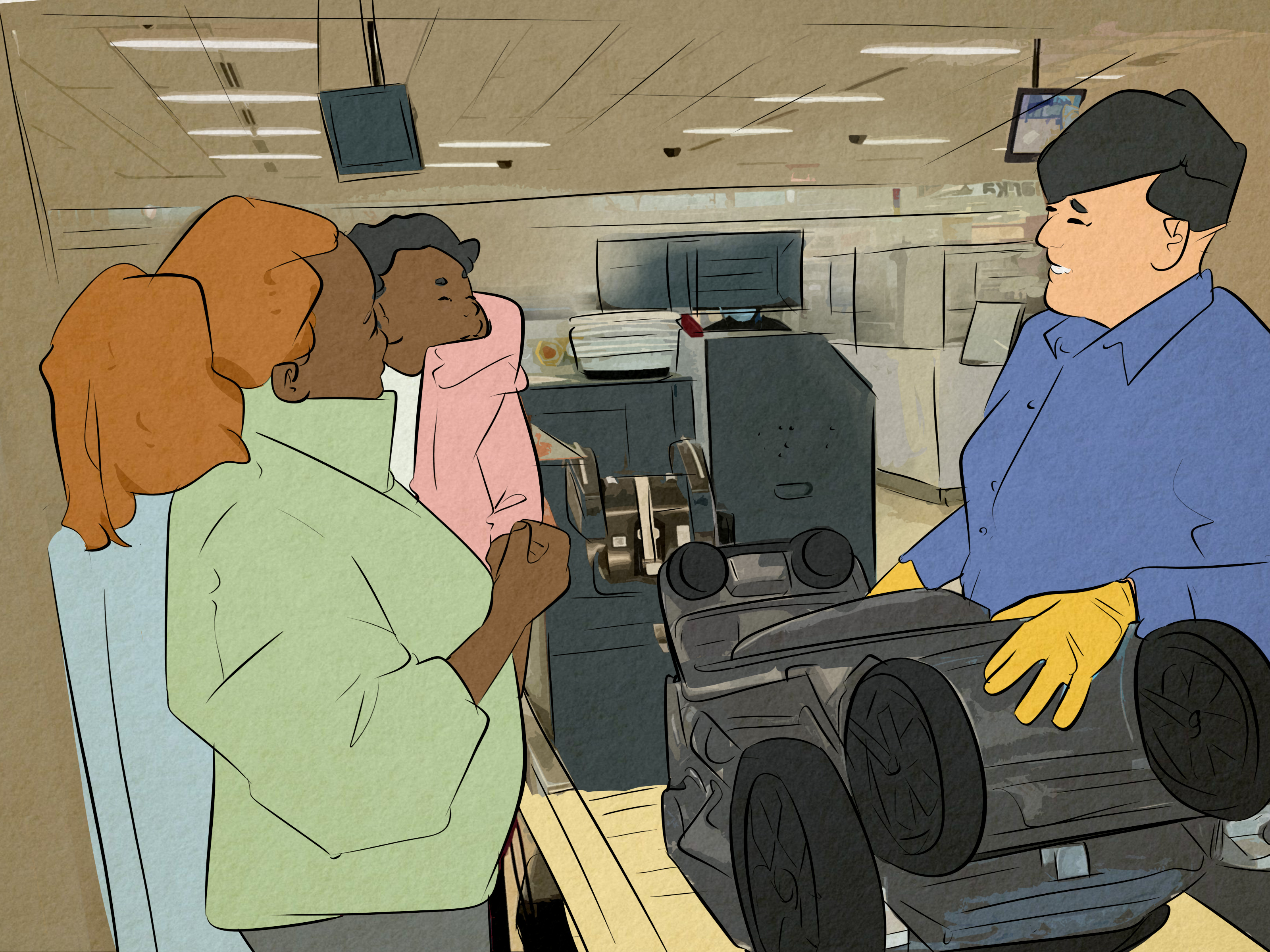
- You are traveling with children, pets, or special equipment
- You have an unaccompanied minor on the reservation
- Your online check-in failed
- Your name, ID, or travel documents do not match cleanly
- You need disability assistance or special service support
- You have oversized, fragile, or unusual checked items
In many airports, curbside check-in may also be available for some airlines. That can be a nice middle ground: you can check bags and get boarding help before you even step fully into the terminal. It feels oddly luxurious, like the airport is briefly pretending to like you.
One important warning
Do not assume the counter will be fast just because you are right and technology is wrong. Airline counters can get crowded, especially during early morning departures, holidays, stormy travel days, and those mysterious moments when every person in your city apparently booked the same flight to Orlando.
If you plan to get your boarding pass at the counter, build in extra time. “I’ll just grab it there” is a perfectly fine plan until forty-seven people ahead of you are also living that dream.
Way 3: Use a Mobile Boarding Pass at the Airport
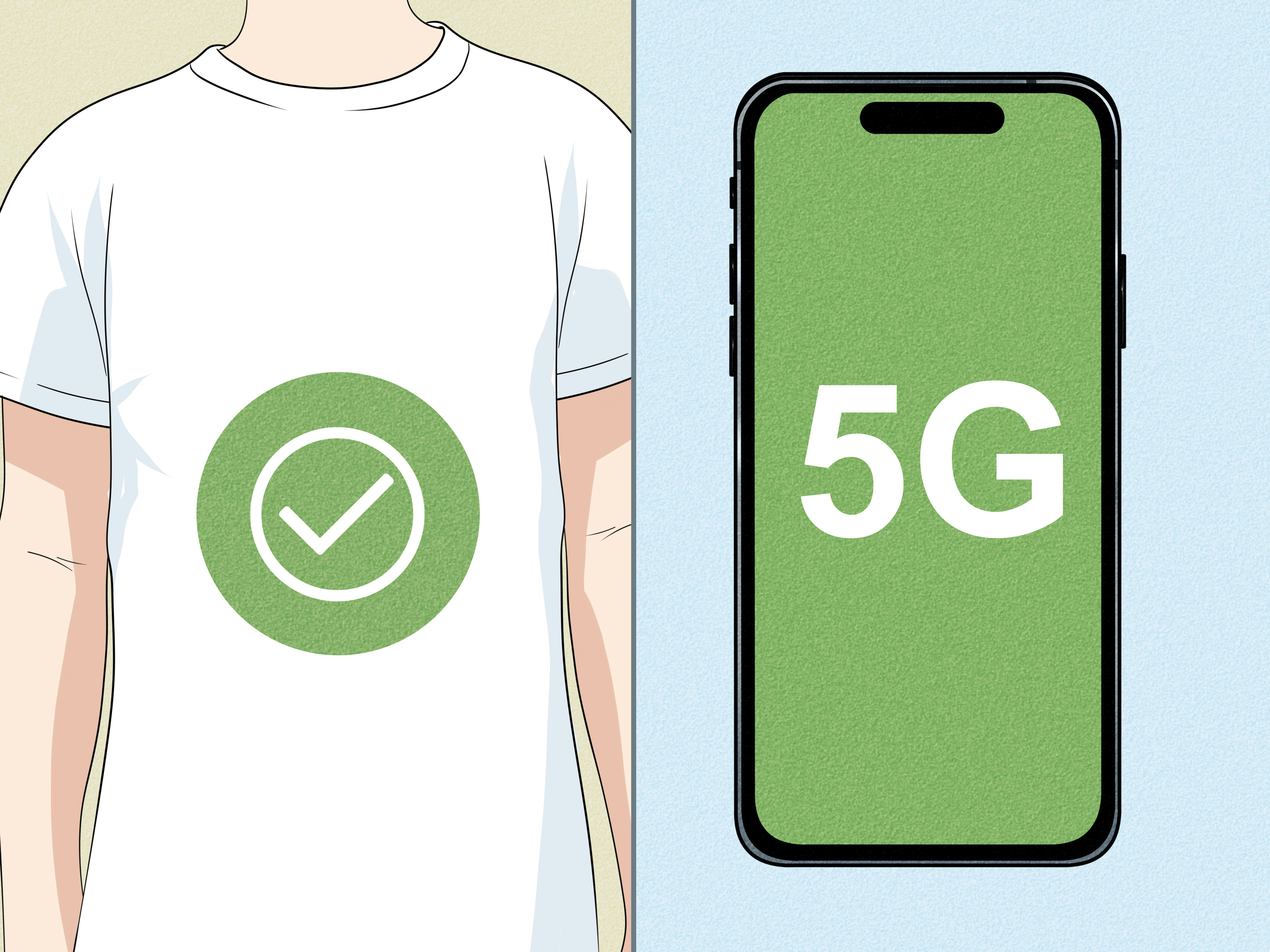
Yes, this still counts. If your airline allows mobile check-in and your airport accepts mobile boarding passes, you can get your boarding pass on your phone and use it at the airport without printing anything. In many cases, this is the fastest option of all.
How to use a mobile boarding pass
Most airlines let you check in through their website or mobile app, often beginning 24 hours before departure. Once checked in, your mobile boarding pass appears in the airline app, email, or digital wallet. At the airport, you simply show the barcode or QR code at security and at the gate.
If you are checking bags, some airlines let you scan that mobile pass at a kiosk to print bag tags before heading to bag drop. So even when you skip paper, the kiosk may still make a cameo appearance.
Why travelers love this option
- No need to print anything
- You can often go straight to security if you have no checked bags
- It is quick, simple, and paper-free
- Your boarding pass is easier to update if your gate or seat changes
Why travelers occasionally regret this option
Because phones are tiny chaos machines. Batteries die. Screens crack. Apps log you out at the worst possible time. Wi-Fi goes missing. The barcode decides to hide. And suddenly you are standing at security, smiling weakly, trying to remember your password while a TSA officer watches your performance.
If you use a mobile boarding pass, take a screenshot, save it to your wallet if possible, and charge your phone before leaving for the airport. That one small habit can save you from a lot of panic.
Which Boarding Pass Method Is Best for You?
Choose a kiosk if:
You want a printed pass, your trip is simple, and you like handling things yourself.
Choose the counter if:
You need help, have special travel circumstances, or are flying internationally and expect document checks.
Choose mobile if:
You want the fastest route, have your phone ready, and are traveling light.
For a lot of travelers, the smartest move is a combination. Check in on your app, use your mobile boarding pass, then scan it at a kiosk for bag tags if needed. That gives you speed plus a backup plan, which is basically the travel version of bringing both sneakers and flip-flops.
Common Problems and How to Fix Them
The kiosk cannot find your reservation
Double-check your confirmation code and spelling. If it still cannot locate your trip, head to the counter. The issue may involve your ticket status, identification, or travel documents.
Your online check-in will not complete
This often happens when the airline needs to verify your passport, visa, seating arrangement, or other details in person. Go to the airline counter and bring every relevant document.
Your phone boarding pass will not load
Open the airline app, check your internet connection, or pull up a saved screenshot. If all else fails, use a kiosk or ask an agent to print your pass.
You are checking bags and feel lost
Look for signs that say Bag Drop, Baggage Drop, or Self-Tag. If you already checked in, you may not need the full counter line. This is one of the easiest ways travelers accidentally waste time.
Pro Tips for Getting Your Boarding Pass Faster
- Check in online as soon as your airline allows it
- Keep your ID and confirmation code easy to reach
- Use your airline app for updates on gate changes and seat assignments
- If you want paper, print at a kiosk instead of waiting for an agent when possible
- Arrive early if you expect passport checks, baggage issues, or family travel complications
- Take a screenshot of your mobile boarding pass before you leave home or the hotel
Do You Still Need a Printed Boarding Pass?
Not always. Many travelers fly happily with only a mobile boarding pass. But a printed pass can still be useful if you prefer a backup, are traveling through an airport with mixed mobile support, or simply do not enjoy placing your entire travel identity in the hands of a phone at 12 percent battery.
For older travelers, families, and anyone managing multiple reservations, paper can still feel wonderfully low-tech and reliable. It never needs charging, never freezes, and never decides to update itself right when you are trying to board.
Final Thoughts
If you are wondering how to get your boarding pass at the airport, the short answer is this: use a kiosk, go to the airline counter, or pull it up on your phone. Those are the three easy ways, and each one works well in the right situation.
The best choice comes down to your travel style. If you want speed, go mobile. If you want paper and control, use a kiosk. If your trip is complicated or you just want a real human to confirm that yes, you are in fact going to Chicago and not Charlotte, visit the counter.
Travel days are stressful enough without turning the boarding pass into a side quest. Pick the method that fits your trip, build in a little extra time, and you will be off to security with far less drama and far more dignity.
Airport Experiences: What Travelers Learn the Hard Way
Ask frequent travelers about boarding passes, and you will hear the same lesson dressed in different outfits: the boarding pass itself is rarely the real problem. The real problem is everything wrapped around it. The person who thought, “I’ll just handle it at the airport,” then arrived late. The family juggling strollers, snacks, and a stuffed giraffe with emotional significance. The business traveler whose phone battery dropped from 18 percent to 2 percent because they watched three gate-change alerts and one very important dog video.
One common experience is the confident carry-on-only traveler who checks in on the airline app, gets to the airport, and breezes past the giant counter line like a movie character who definitely knows what they are doing. This is the ideal boarding pass story. Mobile pass ready, ID in hand, security line moving, coffee acquired. These people often become evangelists for digital boarding passes. They speak in calm tones and say things like, “I haven’t printed anything in years.” We respect them. We also know they are one dead battery away from joining the rest of us.
Then there is the kiosk crowd, which includes some of the most practical people in air travel. They like a printed boarding pass because it feels official. It folds nicely into a passport wallet. It gives them something to hold while they scan the departure board with the focus of a detective in a crime drama. Kiosk users tend to enjoy backup plans, and honestly, that is smart. A paper boarding pass can be especially comforting when the airport is busy, the terminal is noisy, and your phone has decided it no longer recognizes your face.
Another very real airport experience happens on international trips. Travelers often assume they can do everything digitally, then discover the airline needs to inspect a passport, visa, or other travel document in person. That is when the check-in counter becomes the hero of the story. Yes, the line may be longer. Yes, it may involve a rolling suitcase that suddenly feels filled with bowling balls. But the counter is where complicated trips get sorted out. A helpful agent can fix problems in five minutes that would take a traveler thirty panicked minutes and a dramatic sigh at the kiosk.
Families also learn quickly that boarding pass strategy matters. When you are traveling with kids, simplicity wins. Some parents love digital passes for each family member. Others prefer paper so they are not swiping through multiple screens while a toddler attempts a jailbreak. Neither approach is wrong. The best method is the one that lets you move through the airport with the fewest moving parts and the smallest chance of turning check-in into an interpretive dance of stress.
Perhaps the most universal travel experience is discovering that the “best” boarding pass method is not about technology. It is about backup. Smart travelers check in early, save the boarding pass in more than one place, and know where to go if Plan A falls apart. That is the real secret. Not magical apps. Not elite traveler vibes. Just simple preparation. Because at the airport, the calmest person is usually not the one with the fanciest setup. It is the one who can say, “No worries, I have a screenshot,” and mean it.