Power problems have a special talent for arriving at the least convenient moment. Your laptop is at 3%, dinner is halfway cooked, the Wi-Fi router is blinking like it knows something you do not, and suddenly the lights either dim dramatically or vanish completely. That is when many people ask the same question: “Was that a brownout or a blackout?”
The short answer is simple: a brownout is a partial drop in electrical voltage, while a blackout is a total loss of electric power. The long answer is more useful, especially if you want to protect appliances, avoid spoiled food, keep your family safe, and not blame the toaster for problems that started miles away on the grid.
Understanding brownouts vs. blackouts is not just a vocabulary lesson for people who enjoy sounding wise during storms. These two events affect homes, businesses, electronics, medical devices, food storage, HVAC systems, and local infrastructure in different ways. A blackout is obvious because everything shuts off. A brownout can be sneakier: lights dim, motors strain, electronics behave strangely, and appliances may continue running poorly enough to damage themselves. In other words, a blackout kicks the door open; a brownout tiptoes in wearing socks.
What Is a Brownout?
A brownout is a temporary reduction in voltage in an electrical system. Instead of receiving normal power, your home or business receives lower-than-usual voltage. The term comes from the way incandescent lights may dim or turn brownish when voltage drops. Modern LED bulbs may flicker, fade, buzz, or simply act weird, because apparently even light bulbs have moods now.
In the United States, standard household voltage is commonly around 120 volts for many outlets and 240 volts for large appliances such as central air conditioners, dryers, and electric ranges. During a brownout, the voltage may dip below the level equipment expects. The electricity has not disappeared, but it is not strong or stable enough for everything to operate normally.
Common Signs of a Brownout
You may be experiencing a brownout if lights dim across multiple rooms, fans slow down, an air conditioner struggles to start, appliances make unusual noises, or computers and routers randomly reboot. Refrigerators may continue humming, but their compressors can work harder than usual. Microwaves may run weakly. Garage doors may refuse to cooperate, because garage doors enjoy drama.
A brownout can be intentional or unintentional. Utilities may reduce voltage as a controlled measure during periods of grid stress, equipment repairs, or extreme demand. It is a way to keep electricity flowing while lowering the load on the system. Brownouts can also happen because of damaged distribution equipment, overloaded circuits, storms, faulty transformers, or sudden spikes in local demand.
What Is a Blackout?
A blackout is a complete loss of electric power in an area. Voltage drops to zero for affected customers, and electrical devices shut down unless they are supported by batteries, generators, solar-plus-storage systems, or an uninterruptible power supply. A blackout may last seconds, minutes, hours, or days depending on the cause and the damage involved.
Blackouts can be caused by severe weather, downed power lines, equipment failure, wildfires, hurricanes, ice storms, vehicle accidents, grid instability, transmission problems, or planned safety shutoffs. In large events, utilities must inspect, repair, and re-energize equipment in stages. That is why power restoration can feel painfully slow even when crews are working around the clock.
Common Signs of a Blackout
A blackout is not subtle. Lights go out, appliances stop, HVAC systems shut down, outlets become useless, internet service often fails, traffic signals may stop working, elevators can stall, and the entire neighborhood may suddenly become very interested in candles. If your home is dark but the streetlights outside are still on, the issue may be inside your home, such as a tripped breaker. If the whole block is dark, it is probably an outage affecting the utility system.
Brownout vs. Blackout: The Core Difference
The main difference between a brownout and a blackout is the amount of electrical power available. In a brownout, some power is still present, but voltage is reduced. In a blackout, power is gone entirely. That one distinction changes how you should respond.
| Feature | Brownout | Blackout |
|---|---|---|
| Power status | Partial power remains | Power is completely lost |
| Voltage level | Lower than normal | Zero to affected circuits |
| Typical signs | Dim lights, weak appliances, flickering electronics | No lights, no outlets, no working appliances |
| Risk to electronics | Voltage stress, overheating, motor strain | Shutdown, data loss, surge risk when power returns |
| Utility response | May be controlled voltage reduction or repair-related | Requires restoration of power delivery |
A blackout usually gets more attention because it is dramatic. A brownout, however, can be more confusing and sometimes more damaging to certain equipment. Motors, compressors, pumps, and sensitive electronics do not love low voltage. They prefer clean, steady power, not the electrical equivalent of a half-hearted handshake.
Why Brownouts Happen
Brownouts occur when the electrical system cannot maintain normal voltage under current conditions. Think of the grid like a giant delivery network. It must generate power, move it through transmission lines, reduce voltage through substations, distribute it through local circuits, and deliver it safely to customers. If demand rises sharply or equipment is stressed, voltage can sag.
1. High Electricity Demand
Extreme heat is a classic brownout trigger. When millions of air conditioners run at once, electricity demand climbs quickly. Utilities may ask customers to conserve energy or reduce voltage in specific areas to avoid equipment overloads. This is one reason heat waves are so challenging: the same weather that makes people need cooling also pushes the grid harder.
2. Utility Voltage Reduction
Sometimes a brownout is intentional. A utility may lower voltage slightly to reduce load and protect equipment while repairs are made. Customers may notice dimmer lights or weaker appliance performance. It is not ideal, but it can prevent a larger outage. In grid operations, a controlled inconvenience is often better than a citywide surprise party in the dark.
3. Local Equipment Problems
Faulty transformers, overloaded neighborhood circuits, damaged power lines, failing connections, and aging infrastructure can all contribute to voltage drops. These issues may affect a few homes, a building, a block, or a larger service area.
4. Storms and Physical Damage
Wind, lightning, ice, falling branches, and flooding can damage electrical equipment without immediately cutting power completely. The result may be unstable voltage before a full outage occurs. If lights dim repeatedly during a storm, unplug sensitive electronics and treat the situation seriously.
Why Blackouts Happen
Blackouts happen when electricity delivery is interrupted. Unlike a brownout, the system is no longer delivering usable power to affected customers. The cause may be local, regional, or systemwide.
1. Severe Weather
Hurricanes, thunderstorms, ice storms, wildfires, tornadoes, and floods are major causes of power outages in the United States. Weather can knock trees into lines, flood substations, damage poles, and make repairs dangerous. When a major storm hits, utilities may need to inspect thousands of miles of equipment before full restoration is safe.
2. Grid Overload
If electricity demand exceeds available supply or transmission capacity, grid operators may order controlled outages to prevent a wider collapse. These are often called rolling blackouts or rotating outages. They are usually planned in blocks so one area is without power for a limited time while another area remains energized.
3. Equipment Failure
Transformers, substations, switches, underground cables, and overhead lines can fail. One failure may be isolated, or it may cascade into a larger outage if protective systems trip additional equipment to prevent fire, overload, or damage.
4. Planned Shutoffs and Public Safety Events
In wildfire-prone regions, utilities may shut off power during dangerous wind and dry-weather conditions to reduce fire risk. These planned outages are inconvenient, but they are meant to avoid a more catastrophic event.
Which Is More Dangerous: A Brownout or a Blackout?
Both can be dangerous, but in different ways. A blackout creates obvious safety risks: no lighting, no heating or cooling, no refrigeration, possible traffic signal failure, disabled elevators, and interrupted medical equipment. People who rely on electrically powered medical devices should have a backup plan and should contact their utility about medical baseline or priority programs where available.
A brownout is dangerous because it is less obvious. Low voltage can overheat motors and damage compressors in refrigerators, freezers, air conditioners, sump pumps, and other appliances. Electronics may malfunction, restart, corrupt data, or fail. If you notice a brownout, do not keep running every appliance as if nothing is wrong. That is like asking a tired horse to pull a moving truck uphill while you shout motivational quotes.
What to Do During a Brownout
During a brownout, reduce your electrical load immediately. Turn off or unplug sensitive electronics such as computers, televisions, gaming consoles, routers, printers, and audio equipment. Avoid using high-demand appliances such as electric ovens, dryers, dishwashers, space heaters, and large power tools. If your air conditioner is struggling, turn it off for a while to prevent compressor strain.
Leave one simple light on so you can tell when voltage appears stable again. If the brownout lasts more than a few minutes, check your utility’s outage map or alerts. If only your home is affected, call an electrician or your utility. Low voltage isolated to one home can indicate a serious wiring, service connection, or transformer issue.
What to Do During a Blackout
During a blackout, first check whether the outage affects your home only or the wider neighborhood. Look outside safely. If nearby homes and streetlights are dark, report the outage to your utility. Do not call 911 unless there is an emergency such as a fire, medical crisis, downed power line, or trapped person.
Unplug sensitive electronics to protect them from possible power surges when electricity returns. Keep refrigerator and freezer doors closed. Use flashlights instead of candles when possible. Avoid unnecessary travel because traffic signals may be out and roads may be more dangerous.
Never touch downed wires. Assume every downed line is energized, even if it is not sparking. Stay away from puddles, fences, tree limbs, or vehicles touching wires. Report the hazard to the utility or emergency services.
Generator Safety: Helpful Tool, Terrible Roommate
A portable generator can be a lifesaver during a blackout, but only if used correctly. Never run a generator inside a home, garage, basement, shed, crawlspace, or enclosed porch. Opening windows is not enough. Generators produce carbon monoxide, an invisible and deadly gas. Operate generators outdoors, far from doors, windows, vents, and attached garages, with exhaust directed away from the home.
Do not plug a generator directly into a wall outlet. This dangerous practice, called backfeeding, can send electricity into utility lines and injure repair crews. Use properly rated outdoor extension cords or have a licensed electrician install a transfer switch. Also, do not refuel a hot generator. Let it cool first, because gasoline and hot engine parts are not a friendship anyone needs to test.
Food Safety During a Blackout
Food safety becomes a real concern during longer blackouts. A refrigerator generally keeps food cold for about four hours if the door stays closed. A full freezer can keep food frozen much longer than a half-empty one, especially if it remains unopened. The most important rule is simple: stop opening the fridge every ten minutes to check whether it is still cold. Every peek lets warm air in and gives your leftovers a shorter career.
Use appliance thermometers if available. Perishable foods that have been above 40°F for too long may need to be discarded. Meat, poultry, fish, eggs, dairy, cooked leftovers, and cut produce are not worth gambling with. When in doubt, throw it out. Food poisoning is not a charming souvenir from a power outage.
How to Protect Electronics and Appliances
Power interruptions often come with voltage instability. The danger is not only losing power; it is also what happens when power comes back. Surges can damage electronics, smart appliances, HVAC systems, routers, computers, and entertainment equipment. A quality surge protector helps, but it is not magic armor. Whole-home surge protection, installed by a qualified electrician, offers broader protection.
For sensitive equipment, use an uninterruptible power supply, commonly called a UPS. A UPS gives devices like computers, routers, network storage, and security systems enough battery time to shut down safely or ride through short interruptions. For refrigerators, freezers, sump pumps, and medical devices, consider backup power options designed for the correct wattage and startup surge.
Brownouts, Blackouts, and Businesses
For businesses, brownouts and blackouts are more than annoyances. Restaurants can lose refrigerated inventory. Offices can lose data and productivity. Clinics may need backup plans for medical equipment. Retail stores may be unable to process payments. Warehouses may lose lighting, refrigeration, communications, or access control.
A basic business continuity plan should include backup power priorities, surge protection, emergency lighting, data backup, employee communication, supplier contacts, insurance documentation, and a clear decision process for closing or operating during unstable power conditions. The plan does not need to be fancy. It needs to work when the lights are out and everyone suddenly becomes an amateur electrician. Spoiler: nobody should become an amateur electrician.
How Utilities Try to Prevent Large Outages
Utilities and grid operators balance supply and demand in real time. They monitor generation, transmission, distribution equipment, weather, customer demand, and system frequency. When demand rises or equipment becomes stressed, they may ask customers to conserve energy. They may reduce voltage, bring additional generation online, import power, or use demand response programs.
In extreme cases, controlled rotating outages may be used to prevent a wider blackout. This sounds unpleasant because it is, but it can be the lesser evil. A short, planned outage for one area may help avoid a long, uncontrolled outage for a much larger region.
Practical Home Preparedness Checklist
Before an Outage
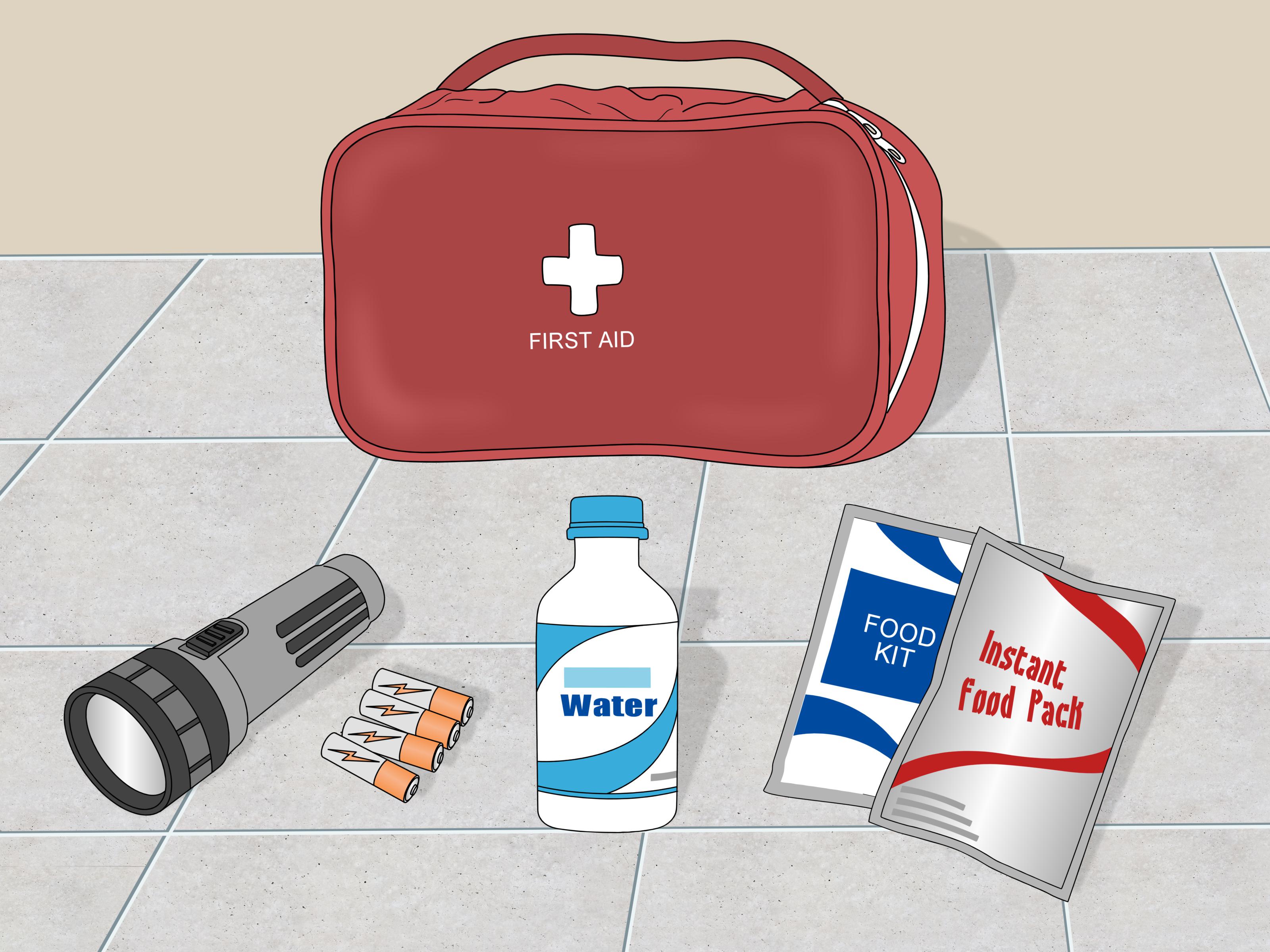
Keep flashlights, batteries, power banks, bottled water, shelf-stable food, a first-aid kit, and a battery-powered or hand-crank radio. Know how to manually open your garage door. Save your utility’s outage-reporting number. Install carbon monoxide detectors with battery backup. If you use refrigerated medication or medical equipment, create a backup plan before storm season.
During a Brownout
Reduce electricity use, unplug sensitive electronics, avoid running large appliances, and monitor utility updates. If lights are dim in only part of your home, turn off breakers for affected circuits and call a professional. Partial power inside one house can signal a wiring or service problem.
During a Blackout
Report the outage, unplug electronics, keep fridge and freezer doors closed, avoid downed wires, use generators safely, and check on neighbors who may need help. Use battery-powered lighting instead of candles when possible.
After Power Returns
Wait a few minutes before plugging electronics back in. Turn appliances on gradually instead of all at once. Check refrigerator and freezer temperatures. Inspect appliances for strange smells, buzzing, smoke, or error codes. If something seems wrong, leave it off and call a qualified technician.
Real-Life Experiences: What Brownouts and Blackouts Teach You Fast
The first thing people learn during a brownout is that electricity is not simply “on” or “off.” It can be “technically on, but acting like it needs a nap.” You may see the lights dim, hear the refrigerator compressor groan, and watch the Wi-Fi router restart three times while pretending it is still a reliable member of the household. That is usually the moment when you realize low voltage can be more confusing than total darkness.
One common experience happens during summer heat waves. The air conditioner is working hard, the neighborhood is using electricity like every outlet won the lottery, and suddenly the lights dip. The AC may click, hum, or fail to start properly. In that situation, the best move is not to keep lowering the thermostat in a heroic but doomed negotiation with physics. Turn off unnecessary loads, give major appliances a break, and protect sensitive electronics. A few uncomfortable minutes can prevent expensive repairs.
Blackouts create a different kind of lesson: preparedness matters more than optimism. Many people assume power will return quickly, then discover their phone battery is low, the flashlight has dead batteries, and the only available candle smells like pumpkin cheesecake from 2017. A small outage kit saves stress. Flashlights, charged power banks, drinking water, nonperishable snacks, and a basic radio can make a blackout feel manageable instead of chaotic.
Another experience involves food. During a blackout, the refrigerator becomes a mystery box. People want to open it constantly, as if staring at the milk will personally encourage it to stay cold. Unfortunately, every door opening speeds up warming. The better habit is to keep doors closed, track outage time, and use thermometers when possible. A cooler with ice can help if the outage stretches longer than expected.
For people working from home, even a short blackout can expose weak points. A laptop battery may last, but the router and modem usually need power. A small UPS for internet equipment can keep you online through brief outages and give you time to save work. For longer events, mobile hotspots, backup battery stations, or a safe generator setup may be worth considering, depending on your needs.
The biggest lesson is not panic; it is sequence. During a brownout, reduce load and protect devices. During a blackout, report the outage, preserve food, unplug electronics, and stay away from hazards. After power returns, reconnect equipment slowly. Electricity is wonderfully convenient, but it likes respect. Treat brownouts and blackouts as signals to slow down, protect what matters, and avoid turning a temporary outage into a permanent appliance funeral.
Conclusion: Brownout or Blackout, Know the Difference Before the Lights Misbehave
The difference between a brownout and a blackout is simple but important. A brownout means voltage has dropped and power is still partially available. A blackout means power has stopped completely. Brownouts can quietly strain electronics and appliances, while blackouts create broader safety, comfort, food storage, and communication problems.
If your lights dim, appliances struggle, or electronics flicker, treat it like a brownout: reduce electrical use and unplug sensitive devices. If everything shuts off, treat it like a blackout: report the outage, keep refrigerator doors closed, use safe lighting, avoid downed wires, and operate generators only outdoors and far from the home.
The best time to prepare is before the weather alert, before the transformer pops, and definitely before your phone battery hits 2%. With a few smart habits, surge protection, backup power planning, and basic safety rules, you can handle both brownouts and blackouts without turning your living room into a disaster movie with snacks.