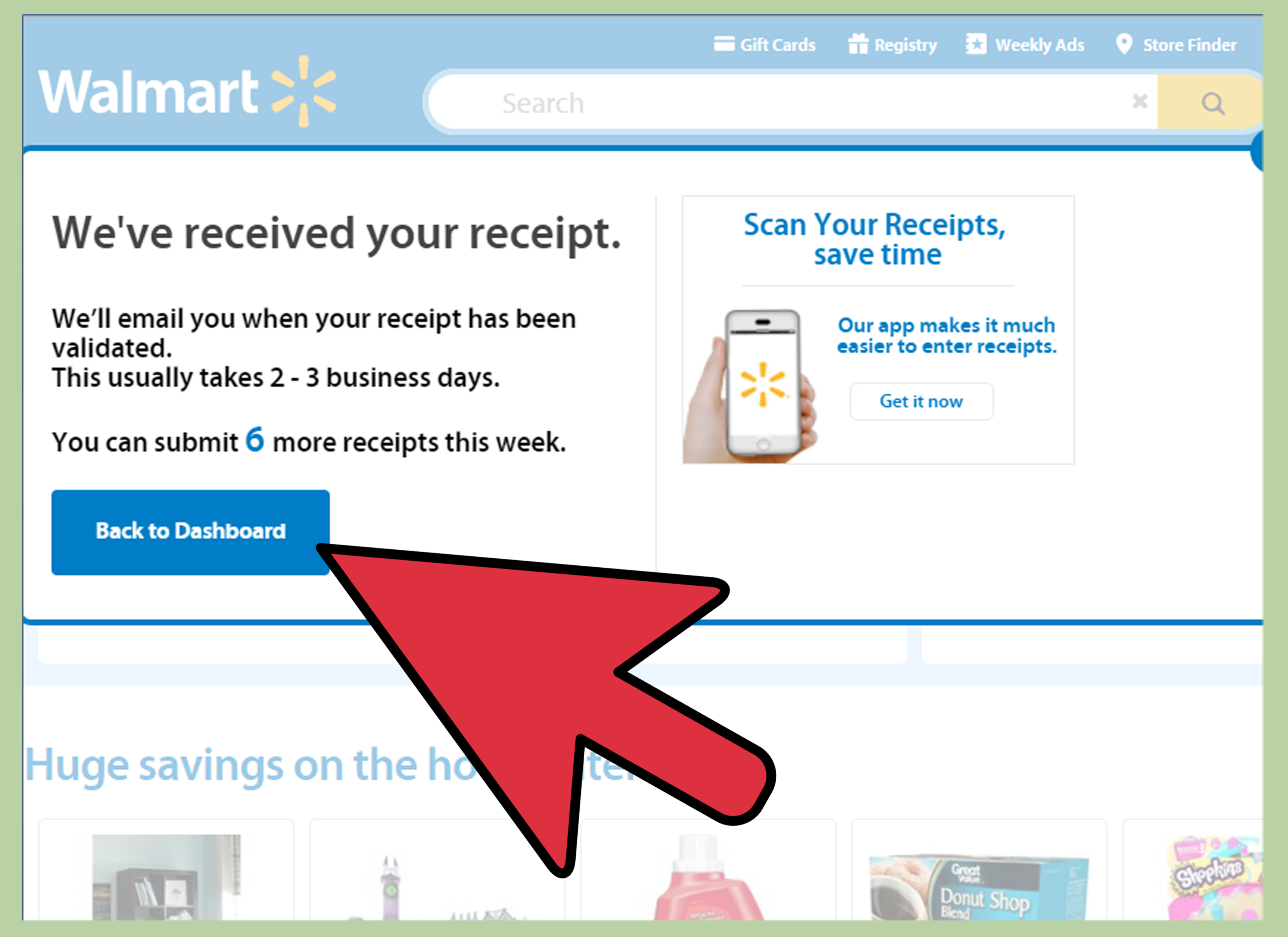
Note: Walmart’s old Savings Catcher program is no longer active. This guide explains what shoppers usually mean when they search for Walmart’s “Savings Center,” what changed, and how to use the current Walmart website and app tools for receipts, purchase history, Walmart Cash, and manufacturer offers.
Introduction: The Receipt Treasure Hunt Nobody Asked For
There are two kinds of people in this world: people who throw away receipts immediately, and people who keep them in a kitchen drawer until the drawer becomes an archaeological site. If you are here searching for how to enter receipts for Walmart’s Savings Center via the Walmart website, you are probably trying to do one very practical thing: turn a Walmart receipt into savings, proof of purchase, or account credit without playing detective for half an afternoon.
The tricky part is that Walmart’s savings tools have changed over time. Years ago, shoppers used a feature called Savings Catcher, which let customers submit receipts so Walmart could compare certain advertised prices and provide the difference as a Walmart eGift Card. That feature was popular because it felt like having a tiny bargain-hunting robot living inside your phone. Unfortunately, that robot retired. Walmart discontinued Savings Catcher in 2019, which means you can no longer enter receipts into that old price-matching system through the website.
However, that does not mean your receipt is useless. Today, Walmart.com still gives shoppers several receipt-related tools. You can look up store receipts, view purchase history, print receipts for online orders, link eligible in-store purchases to your Walmart account, claim manufacturer offers, and track Walmart Cash activity. The key is knowing which tool matches your goal. This guide breaks it all down in plain English, with fewer headaches and no need to keep fifteen tabs open like a digital raccoon.
What Was Walmart’s Savings Center?
When many shoppers say “Walmart Savings Center,” they are often referring to Walmart’s older savings features, especially Savings Catcher. Savings Catcher was designed to compare eligible purchases from Walmart receipts against local competitor advertisements. If Walmart found a lower advertised price for the same eligible item, the customer could receive the difference as a Walmart eGift Card.
For bargain hunters, it was a beautiful idea: buy groceries, submit the receipt, wait for the system to do the comparison, and possibly get money back. It was like couponing without needing scissors, envelopes, or the patience of a saint.
Why Shoppers Still Search for It
Even though the program ended, the search term lives on because old tutorials, forum posts, and screenshots are still floating around the internet. Some shoppers also use “Savings Center” as a general phrase for Walmart Cash, manufacturer offers, receipt lookup, or purchase history. That creates confusion because these tools are related to saving money, but they are not the same thing.
The most important thing to know is this: you cannot currently enter a receipt on Walmart.com for the old Savings Catcher price-comparison benefit. If a website claims you can still submit receipts to Savings Catcher exactly like before, treat that advice like expired milk. It may have been useful once, but today it is not something you want to rely on.
Can You Enter Walmart Receipts on the Walmart Website Today?
Yes and no. You can use the Walmart website to find, view, download, and print receipts. You can also use Walmart.com to find and claim manufacturer offers that may earn Walmart Cash. But if your goal is to scan a paper receipt for Walmart Cash after an in-store purchase, Walmart generally directs users to the Walmart app, not the desktop website.
Think of Walmart.com as the place where you manage your account, find receipts, check purchase history, and claim offers. Think of the Walmart app as the tool that handles scanning physical receipt barcodes. The website is your filing cabinet. The app is your scanner. Together, they are far more useful than that pile of paper receipts living in your glove compartment.
How to Use Walmart.com to Find and Manage Receipts
If you bought something online, used Walmart Pay, scanned your receipt, or paid in-store with a card saved in your Walmart.com account, your purchase may appear in Purchase History. This is the easiest way to access a receipt through the Walmart website.
Step 1: Sign In to Your Walmart Account
Go to Walmart.com and sign in using the email address connected to your Walmart account. This part matters. If you used one email for online grocery pickup and another email for regular shopping, Walmart will not magically merge them because it is a retailer, not a family therapist.
Step 2: Open Account and Purchase History
After signing in, select Account, then choose Purchase History. This section shows eligible online orders, pickup orders, delivery orders, shipping orders, and certain in-store purchases connected to your account.
Step 3: Choose the Order or Store Purchase
Find the purchase you need. For online orders, select the order details. For in-store purchases, look for the transaction date, total amount, or item list. If you shop at Walmart often, this can feel like scrolling through a personal documentary titled “Things I Bought Because They Were on Rollback.”
Step 4: View, Download, or Print the Receipt
For many orders, Walmart provides a receipt or proof of purchase inside the order details. You may be able to print it directly from the page. This is useful for returns, rebates, budgeting, business expenses, warranty claims, and proving that yes, you really did buy three kinds of cereal in one trip.
How to Use Walmart’s Receipt Lookup Tool
If your in-store purchase is not showing in Purchase History, Walmart’s receipt lookup tool may help you recover a copy of a recent receipt. This is especially useful if you paid with a debit or credit card and no longer have the paper receipt.
Information You Usually Need
To look up a Walmart receipt, prepare the store location, purchase date, receipt total, card type, and the last four digits of the card used. Walmart may also ask for a security check, such as a captcha. In other words, you need enough information to prove you are not randomly fishing for someone else’s shopping history.
When Receipt Lookup Works Best
The receipt lookup tool is most helpful for card-based store purchases. If you paid with cash, gift card, or another payment method that cannot be easily matched online, you may need help from Walmart customer service. This is why keeping the paper receipt for at least a few days is still a good habit, even if receipts have the emotional charm of a parking ticket.
How Walmart Cash Replaced Part of the Old Savings Habit
Walmart Cash is not the same as Savings Catcher. It does not compare your receipt against competitor ads. Instead, Walmart Cash is commonly earned through eligible manufacturer offers and certain promotional programs. You claim an offer, buy the eligible product, and Walmart Cash may be added to your account after the transaction qualifies.
For online shopping, the process can happen through Walmart.com. You sign in, find an eligible item with a Walmart Cash offer, select the offer, add the product to your cart, and complete the order. Once the order is delivered or picked up, the Walmart Cash can appear in your balance if the purchase meets the offer terms.
How to Find Manufacturer Offers on Walmart.com
Sign in to your Walmart account and look for Walmart Cash or manufacturer offers from your account area, product pages, search results, or the Walmart Cash page. Eligible items may show a checkbox or button labeled something like Get Walmart Cash. Select it before buying the item. This is the step many shoppers miss. The offer usually needs to be claimed before the purchase, not after you are already home unpacking groceries and wondering why the universe is unfair.
How Receipt Scanning Works for Walmart Cash
If you claimed an eligible manufacturer offer before shopping in-store but forgot to connect your account at checkout, Walmart may allow you to scan the receipt barcode through the Walmart app within the allowed time window. This is not the same as entering a receipt on the website. The website helps you find and claim offers; the app handles the receipt scan.
In practical terms, the workflow looks like this: claim the offer first, buy the correct item, save the receipt, open the Walmart app, scan the receipt barcode, and wait for Walmart to review the transaction. If the purchase qualifies and Walmart Cash was not already awarded, the amount may be credited to your account.
Step-by-Step: Best Current Workflow for Walmart Savings
1. Create or Sign In to a Walmart Account
A Walmart.com account is the foundation for purchase history, Walmart Cash, saved offers, and digital receipts. Without an account, you may still shop, but you lose some of the convenience that makes receipt tracking easier.
2. Check Walmart Cash Offers Before Shopping
Before you place an online order or head to the store, check eligible manufacturer offers. Look for offers on products you already plan to buy. The best savings strategy is not buying something random because it offers a small reward. A $1 offer on a product you did not need is not savings; it is a tiny trap wearing a coupon hat.
3. Claim the Offer Before Purchase
When you find a relevant offer, claim it by selecting the Walmart Cash option. Read the offer details carefully. Some offers require a specific size, flavor, quantity, brand, or purchase deadline. If the offer says family-size cereal and you buy the tiny box, the system may not award Walmart Cash.
4. Connect Your Account at Checkout
In-store, use Walmart Pay, scan the checkout QR code, or connect your account as Walmart allows. For online orders, make sure you are signed into the same Walmart account where you claimed the offer.
5. Save the Receipt Until the Reward Posts
Do not throw away the receipt the second you exit the store like you are making a dramatic movie scene. Keep it until the transaction appears in your account or the Walmart Cash posts. If something goes wrong, the receipt is your evidence.
6. Use Purchase History for Records
After the transaction, check Purchase History on Walmart.com. This is where you can review previous purchases, find receipts, print order details, and organize expenses. For families, small business owners, and anyone tracking a budget, this feature can be surprisingly helpful.
Common Problems and How to Fix Them
The Receipt Is Not Showing in Purchase History
First, confirm you are signed into the correct Walmart account. Next, check whether the payment method was saved to that account or whether you used Walmart Pay. If the purchase still does not appear, use Walmart’s receipt lookup tool and enter the store location, date, card details, and total amount.
The Walmart Cash Did Not Appear
Several things can prevent Walmart Cash from posting. The offer may not have been claimed before purchase, the product may not match the offer requirements, the offer may have expired, the item may have been substituted, or a paper coupon may have affected eligibility. Always read the offer details before checkout.
The Website Will Not Accept the Receipt
This usually happens because the current receipt-scanning workflow is app-based. Walmart.com can help you manage receipts and offers, but scanning a paper receipt barcode for Walmart Cash generally requires the Walmart app. If you are using a desktop computer and expecting an old Savings Catcher-style receipt entry box, that box is gone.
The Receipt Lookup Tool Cannot Find the Purchase
Double-check the purchase date, store location, card type, last four digits, and receipt total. Even a small mismatch can cause lookup failure. If the purchase was made with cash or another unsupported payment method, contact Walmart customer service or visit the store where the purchase was made.
Smart Tips for Getting More Value from Walmart Receipts
Receipts are boring until you need one. Then suddenly that little slip of paper becomes the most important document in your life. To avoid receipt drama, build a simple routine. For in-store trips, scan or save the receipt before leaving the parking lot. For online orders, check Purchase History after pickup or delivery. For items with warranty potential, download or print a copy of the receipt and save it in a folder.
Also, do not assume every “cash back” or “savings” label works the same way. Walmart Cash, manufacturer coupons, price matching, receipt lookup, and purchase history are different tools. Using the right tool saves time and prevents disappointment. It also keeps you from angrily clicking around Walmart.com at midnight while whispering, “Where is the Savings Center?” like you are hunting a secret portal.
Does Walmart Still Price Match?
Walmart’s current price-matching rules are different from the old Savings Catcher experience. In general, Walmart store purchases may be eligible for a match to the identical item advertised on Walmart.com, subject to restrictions and store approval. Walmart.com purchases are handled under separate rules and generally do not work like the old competitor-ad comparison system.
The practical takeaway is simple: do not expect a receipt submission tool to automatically compare your purchase against every local competitor. If price matching matters, review Walmart’s current policy before buying, and ask at the store before completing the purchase. It is easier to solve a price issue at checkout than three days later with a crumpled receipt and a strong sense of betrayal.
Experience Section: What It Feels Like to Use Walmart Receipt Tools Today
Using Walmart’s current receipt tools is less like the old “submit and wait for surprise savings” experience and more like managing a small personal shopping dashboard. At first, that sounds less exciting. Nobody throws a party because they successfully found a receipt in Purchase History. But in everyday life, the new system can still be useful, especially if you shop at Walmart regularly.
For example, imagine you buy groceries, batteries, shampoo, dog treats, and a suspiciously large bag of cheese puffs. Two days later, you realize one product has a manufacturer offer you had already claimed. If you connected your account at checkout, you may not need to do anything else. If you forgot, the receipt becomes important. Instead of digging through the trash like a raccoon with financial goals, you can open the Walmart app and scan the receipt barcode if the offer terms allow it.
The biggest lesson is to claim offers before you shop. This one habit prevents most problems. Many shoppers see a Walmart Cash offer after the fact and assume they can retroactively apply it to any receipt. Sometimes receipt scanning can help if the offer was already claimed and the transaction qualifies, but it is not a magic wand. The system needs a match: correct account, correct product, correct timing, and correct receipt.
Another real-world tip is to keep your Walmart account organized. Use one main email address, save your most-used payment card if you are comfortable doing so, and check that your in-store purchases are appearing the way you expect. If you prefer not to have certain store purchases automatically show in your account, review Walmart’s privacy and store purchase settings. Convenience is great, but it should still feel like your choice.
For budgeting, the Walmart website can be genuinely helpful. Purchase History gives you a cleaner view than a paper receipt that has been folded into seven mysterious shapes. You can review what you bought, check totals, print receipts, and use the information for household spending. If you run a small business or buy supplies for work, this can save time when organizing expenses. A receipt that takes ten seconds to find online is better than a receipt you last saw somewhere between the car cup holder and the laundry room.
For returns, digital receipts are also a relief. Everyone has had that moment at customer service where they pat every pocket like they are performing a nervous magic trick. Having a receipt in your Walmart account can make the process smoother. It may not make the line shorter, but at least you are not standing there with only vibes and a product box.
The less pleasant part is that Walmart’s tools are not always named the way shoppers expect. Someone searching for “Savings Center” may actually need Walmart Cash. Someone searching for “enter receipt” may need receipt lookup. Someone expecting Savings Catcher may need to learn that the feature no longer exists. This naming confusion is why a clear guide matters. Once you understand the difference, the process becomes much easier.
Overall, the best experience comes from treating Walmart savings as a before-and-after routine. Before shopping, check and claim offers. During checkout, connect your account. After shopping, keep the receipt until everything posts. If a receipt is missing, use Purchase History or receipt lookup. This simple habit turns Walmart receipts from annoying paper confetti into useful shopping records.
Conclusion: The Savings Center Changed, But Receipts Still Matter
Entering receipts for Walmart’s old Savings Center is no longer possible because the Savings Catcher program ended years ago. Still, Walmart receipts remain useful through modern tools like Purchase History, receipt lookup, Walmart Cash, and manufacturer offers. The best approach is to use Walmart.com for account management, offer discovery, receipt viewing, and printing, while using the Walmart app when a receipt barcode needs to be scanned for eligible Walmart Cash offers.
The main rule is simple: know what you are trying to do before you start clicking. If you need proof of purchase, use Purchase History or receipt lookup. If you want Walmart Cash, claim eligible offers before buying. If you forgot to connect your account in-store, scan the receipt through the app if the offer allows it. And if you are looking for the old Savings Catcher box, do not worryyou are not missing it. It is gone, retired, probably sipping lemonade somewhere with other discontinued retail programs.
Receipts may not be glamorous, but they can save money, solve return problems, support warranty claims, and help you track spending. In the world of smart shopping, that tiny strip of paper still has a job to do.