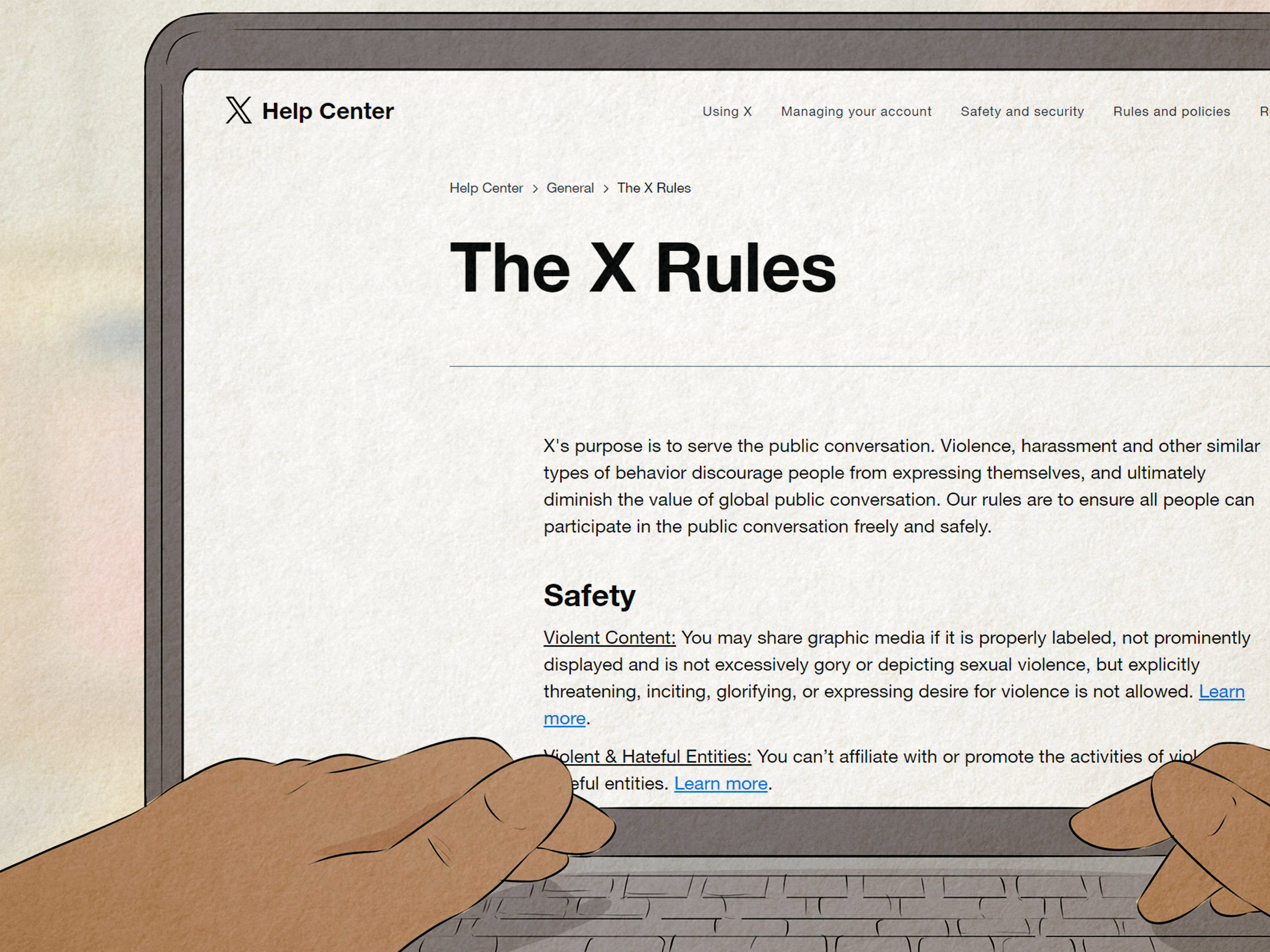
Getting suspended from Twitter, now officially called X, feels a little like walking up to your favorite coffee shop and finding a sign on the door that says, “You specifically may not enter.” Confusing? Yes. Annoying? Absolutely. Permanent? Not always.
The big question is simple: how long does a Twitter suspension last? The honest answer is less simple: it depends on the type of restriction, the reason behind it, whether X thinks the account was compromised, and whether you successfully complete verification or submit a strong appeal.
Some accounts are restored in minutes after phone or email verification. Some are limited for a set period. Some are suspended until X reviews an appeal. And some, especially accounts tied to serious or repeated policy violations, may be permanently suspended. In other words, Twitter suspensions are not one-size-fits-all. They are more like airport delays: sometimes it is ten minutes, sometimes it is “please enjoy this carpeted terminal until further notice.”
This guide explains the different types of Twitter suspension, how long each usually lasts, what to do immediately, how to appeal, what not to do, and how to reduce your chances of being suspended again.
Twitter Suspension vs. Lock vs. Limited Account: What Is the Difference?
Before you panic, check the exact message you see when you log in. X uses different enforcement actions, and they do not all mean the same thing.
1. Locked Account
A locked account usually means X wants to confirm you are the real owner. This may happen because of unusual login activity, suspected automation, security concerns, or behavior that looks spammy. In many cases, you will be asked to verify your email address, phone number, or complete a challenge such as reCAPTCHA.
Typical duration: A locked account may be restored quickly once you complete the requested verification. If you cannot access the linked email or phone number, the lock can last much longer because you will need account recovery support.
2. Limited or Restricted Account
A limited account can usually still browse X, but it may lose the ability to post, repost, like, follow, or message certain users. X may also reduce the visibility of previous posts. This is often used when the platform believes an account has violated rules but does not necessarily deserve a full suspension.
Typical duration: Limited account restrictions may last until you complete required actions, such as deleting a rule-breaking post, verifying ownership, or waiting through a countdown period. Important detail: the countdown may not begin until you complete the required steps.
3. Temporary Suspension
A temporary suspension is more serious than a limited account. It generally means X has restricted access because of a policy violation, suspected spam, abusive activity, security risk, or repeated rule-breaking.
Typical duration: There is no universal public timer. Some temporary suspensions are resolved after verification or appeal, while others last days or longer depending on review time and case complexity.
4. Permanent Suspension
A permanent suspension is X’s strongest enforcement action. It removes the account from public view and may prevent the user from creating new accounts to avoid the suspension.
Typical duration: Permanent means indefinite unless X grants an appeal. If your appeal is denied, the account may remain suspended permanently.
So, How Long Does a Twitter Suspension Last?
The short version is: a Twitter suspension can last anywhere from a few minutes to permanently. The practical timeline depends on the enforcement type.
| Account Status | What It Usually Means | Possible Duration |
|---|---|---|
| Locked account | X needs proof that you own the account | Minutes to days, depending on verification access |
| Limited account | Temporary feature restrictions | Until required actions are completed, plus any countdown period |
| Temporary suspension | Policy or security issue requiring review or action | Days to longer, depending on appeal and violation type |
| Permanent suspension | Serious or repeated violation | Indefinite unless appeal succeeds |
If you are looking for a guaranteed number, there is no magic answer hidden behind the bird cage. X does not promise a fixed suspension length for every case. The platform may use different enforcement tools depending on risk, behavior history, account authenticity, and the policy involved.
Common Reasons Twitter Accounts Get Suspended
Twitter suspensions usually happen for one of four broad reasons: safety, privacy, authenticity, or security. Here are the most common triggers.
Spam or Platform Manipulation
X takes action against behavior that looks like artificial amplification, spam, fake engagement, coordinated posting, or manipulation of conversations. This can include aggressive follow-unfollow behavior, repetitive posts, suspicious automation, mass mentions, or using tools that behave like a caffeine-powered robot with no social awareness.
Abuse, Harassment, or Threatening Behavior
Accounts may be suspended for targeted harassment, abusive content, threats, or encouraging others to harass someone. Even if a post was “just a joke,” X may still act if the content violates its rules.
Hateful Conduct
X prohibits attacking people based on protected characteristics such as race, ethnicity, national origin, religion, disability, age, gender, gender identity, sexual orientation, or serious disease. Repeated or serious violations can lead to strong enforcement.
Posting Private Information
Sharing someone’s private information without permission can lead to suspension. This includes home addresses, private phone numbers, personal documents, or threats to expose private information.
Impersonation or Deceptive Identity
Parody and commentary accounts may be allowed when clearly labeled, but misleading impersonation can cause trouble. If your account looks like it is pretending to be a person, brand, government agency, or organization, expect X to notice eventually.
Compromised Account Activity
Sometimes the problem is not what you did, but what someone else did after breaking into your account. If your account suddenly sends spam, suspicious links, crypto scams, or weird messages to everyone from your best friend to your old biology teacher, X may lock or suspend it for safety.
What to Do Immediately When You Get Suspended from Twitter
When your Twitter account is suspended, do not start clicking random “recovery service” ads, do not create ten new accounts, and do not rage-post from your backup profile. That is how a small problem puts on a cape and becomes a larger problem.
Step 1: Log In and Read the Notice Carefully
Start by logging into the suspended or locked account. X usually shows a notice explaining whether the account is locked, limited, or suspended. Read the wording closely. It may tell you exactly what to do next, such as verify your phone number, confirm your email, delete a post, or file an appeal.
Step 2: Complete Any Required Verification
If X asks for email, phone, or CAPTCHA verification, complete it through the official X interface. Do not use third-party “unlock” services. If you cannot access your email address or phone number, try recovering access through your email provider first, then return to X.
Step 3: Remove Violating Content If Asked
If X identifies a post that violates the rules and asks you to delete it, removing it may be part of restoring account access. This does not always mean you agree with the decision, but it may be required before the restriction countdown begins.
Step 4: Secure the Account
If you suspect hacking, change your password immediately if you still have access. Use a strong, unique password that you do not use anywhere else. Also secure the email account connected to X, because whoever controls your email may control your recovery options.
Step 5: Revoke Suspicious Third-Party Apps
Connected apps can post, read, or act on your account depending on permissions. Review your connected apps and sessions. Remove anything you do not recognize, anything you no longer use, or anything that sounds like it was named by a suspicious raccoon with a marketing degree.
Step 6: File an Appeal If You Think X Made a Mistake
If your account is suspended and you believe the decision was wrong, file an appeal through X’s official appeal process. You generally need to be logged into the affected account first. Keep the appeal calm, specific, and professional.
How to Write a Strong Twitter Suspension Appeal
A good appeal is not a dramatic courtroom monologue. It is clear, concise, and useful to the reviewer. Your goal is to make it easy for X to understand what happened and why the account should be restored.
What to Include in Your Appeal
Include your username, a short explanation of the issue, and why you believe the suspension was a mistake. If your account was hacked, say so plainly and mention the steps you have taken to secure it. If you deleted a violating post, mention that you completed the required action. If you believe the content was misunderstood, explain the context without insulting the reviewer, the platform, or the entire internet.
Example Appeal for a Mistaken Suspension
Hello X Support, my account @YourUsername appears to have been suspended, but I believe this may have been a mistake. I reviewed the X Rules and do not believe my recent activity violated the policies. Please review my account again. I am happy to remove any content that was flagged in error or complete any required verification. Thank you.
Example Appeal for a Compromised Account
Hello X Support, my account @YourUsername was suspended after suspicious activity that I did not perform. I believe the account may have been compromised. I have changed my password, secured my email, and reviewed connected apps. Please review the account and consider restoring access. Thank you.
What Not to Do After a Twitter Suspension
Some actions can make a suspension worse. Avoid these common mistakes.
Do Not Create New Accounts to Evade Suspension
If X believes you are creating new accounts to get around a suspension, those accounts may also be suspended. This is especially risky when the original suspension was permanent.
Do Not Send Repeated Angry Appeals
Submitting one clear appeal is better than sending twenty emotional ones. Repeated appeals with insults, threats, or all-caps declarations rarely improve your chances. They mostly prove that your keyboard has been through enough.
Do Not Pay “Recovery Experts” Who Promise Instant Unsuspension
No outside person can guarantee that X will restore your account. Be careful with anyone who asks for your password, recovery codes, payment, or personal documents. Account recovery scams often target people who are already stressed.
Do Not Delete Evidence If You Were Hacked
If your account was compromised, take screenshots of unauthorized posts, messages, login alerts, or emails before removing harmful content. This can help you explain the situation if you need to appeal or report identity theft.
How Long Does a Twitter Appeal Take?
Appeal timing varies. Some users receive a decision quickly, while others wait longer. Factors include the reason for suspension, whether the case needs manual review, whether the account was compromised, and whether the appeal includes enough useful information.
While waiting, keep an eye on the email address connected to your X account. Also check spam or junk folders, because nothing says “modern digital life” like an important support message hiding between a fake shipping alert and a coupon for socks.
Can a Permanently Suspended Twitter Account Come Back?
Yes, but only if the appeal succeeds. A permanent suspension is not simply a long timeout; it is the platform’s strongest enforcement action. X may use it for severe violations, repeated violations, threats, fraud, privacy violations, spam manipulation, or other serious policy issues.
If the permanent suspension was caused by a mistake, compromised-account activity, or a misunderstood post, a thoughtful appeal gives you the best chance. But if X confirms the violation and denies the appeal, the account may stay suspended indefinitely.
How to Prevent Future Twitter Suspensions
Once your account is restored, your next goal is simple: do not immediately step on the same rake. Review your habits and tighten your security.
Use a Strong, Unique Password
Your X password should not be reused on email, banking, gaming, school, work, or shopping accounts. If one site gets breached, reused passwords can open the door to your other accounts.
Enable Two-Factor Authentication
Two-factor authentication adds another layer of protection beyond your password. An authenticator app or security key is usually safer than relying only on a password. This is especially important for creators, businesses, journalists, and anyone whose account has value.
Review Connected Apps Regularly
Third-party tools can be useful, but old or sketchy apps can cause trouble. Remove apps you no longer trust. If an app promises magical follower growth, automatic engagement, or “totally safe viral posting,” treat it like a raccoon offering tax advice.
Avoid Spam-Like Behavior
Do not rapidly follow hundreds of accounts, copy-paste the same reply everywhere, mass-DM strangers, or use automation that mimics spam. Even if your intention is harmless, the pattern may look suspicious.
Label Sensitive Media Correctly
If you post sensitive media allowed under X rules, use proper settings and avoid placing restricted content in profile images or headers. Profile and header violations can trigger account action.
Think Before Posting Private or Heated Content
Do not publish private information, threats, targeted harassment, or content encouraging others to attack someone. If you are angry, step away before posting. The “send” button has ruined more afternoons than bad weather.
Special Case: What If Your Twitter Account Was Hacked?
If your account was hacked before the suspension, treat this as both an X support issue and a cybersecurity issue.
First, scan your device for malware using trusted security software. Second, change your X password and the password for your connected email. Third, review account settings, login sessions, connected apps, phone numbers, and email addresses. Fourth, warn followers not to click suspicious links that came from your account. Finally, if personal or financial information was exposed, consider reporting identity theft through official consumer protection channels.
For business accounts, document everything. Save screenshots, note timestamps, and tell team members not to interact with suspicious messages. If your X account is tied to advertising, customer service, or brand reputation, the recovery process should be handled like a real security incident, not just a social media inconvenience.
of Practical Experience: What It Feels Like and What Actually Helps
People often imagine a Twitter suspension as a single dramatic event: one minute you are posting, the next minute the digital trapdoor opens. In real life, the experience is usually more confusing. Many users first notice something small. A post will not publish. A follow button stops working. A notification appears saying the account is limited. Then comes the login notice, and suddenly the person is searching the internet with the emotional energy of someone trying to defuse a toaster.
From a practical standpoint, the users who handle suspensions best usually do three things well. First, they slow down. That sounds obvious, but it matters. The first instinct is to argue, create another account, message everyone, or submit appeal after appeal. Those actions can create more signals that look suspicious. A calmer approach works better: log in, read the notice, complete official steps, and document what happened.
Second, successful users separate “I disagree” from “what does the platform need from me?” You may believe your post was fair, funny, sarcastic, or taken out of context. That may be true. But the appeal should still focus on facts. What was flagged? Was the account compromised? Did you verify your email? Did you remove the content? Did you review the X Rules? A support reviewer does not need a 900-word essay about free speech, your group chat, or why your rival fan base is the real villain. They need a clean explanation.
Third, experienced users treat account security seriously after restoration. Many suspensions are connected to suspicious activity: spam links, automated behavior, compromised sessions, or third-party apps. If you get your account back and keep the same weak password, leave random apps connected, and continue using risky automation tools, you may be inviting round two. And round two is rarely more fun than round one.
A helpful mental model is to think of X as a busy security guard watching millions of doors. The guard does not know your personality, your inside jokes, or your posting history in the way your friends do. It sees patterns: repeated messages, suspicious links, reports, policy flags, login changes, and account behavior. Your job is to reduce confusing signals. Post like a human. Secure your login. Do not automate aggressively. Avoid posting private information. Do not pile onto harassment campaigns. If your account represents a brand, create internal rules for who can post, what tools are allowed, and how to respond during a lockout.
The most frustrating part of a suspension is the uncertainty. You may not know whether it will last one hour, one week, or forever. But you can control your response. Follow the official process, appeal once with clarity, secure the account, and avoid shortcuts. A suspension is stressful, but it is not always the end of the road. Sometimes it is just the internet’s least charming way of telling you to clean up your account, tighten security, and stop letting suspicious apps drive the bus.
Conclusion
A Twitter suspension can last a few minutes, several days, much longer, or permanently depending on the reason and enforcement type. Locked accounts often return after verification. Limited accounts may require action before a countdown begins. Suspended accounts may need an appeal. Permanently suspended accounts remain unavailable unless X reverses the decision.
The best response is calm and methodical: read the notice, complete verification, remove flagged content if required, secure your account, revoke suspicious apps, and file a clear appeal if you believe the suspension was wrong. Avoid ban evasion, recovery scams, repeated angry appeals, and risky automation. The path back is not always fast, but a careful approach gives you the strongest chance of restoring your account and keeping it in good standing.