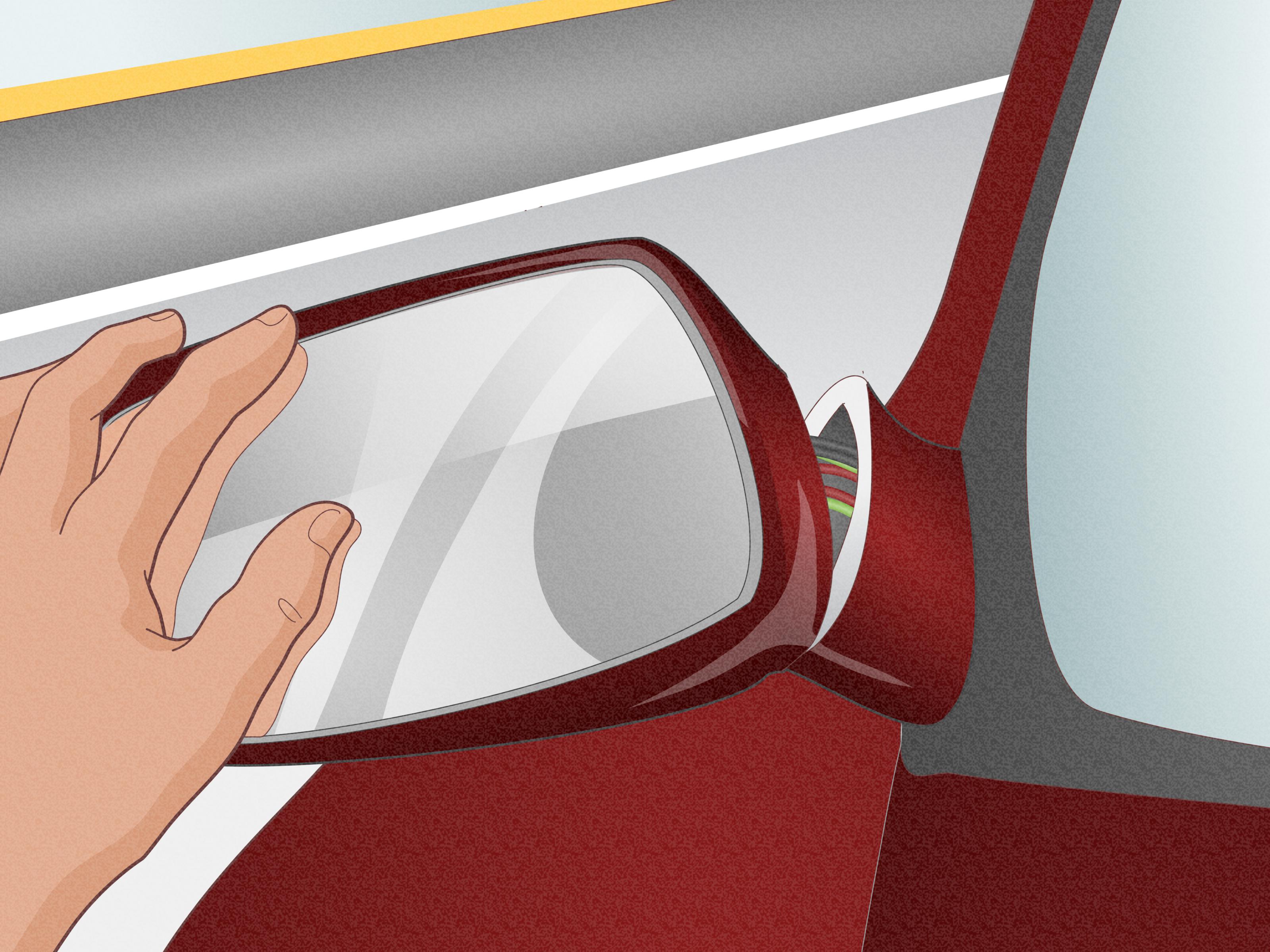
A “Service Side Detection System” warning can make your dashboard sound as though the car has misplaced an entire side. Fortunately, the vehicle still has both doors, both mirrors, andone hopesall four wheels. The message usually means the blind-spot monitoring system has detected a problem and temporarily disabled features such as Side Blind Zone Alert, Lane Change Alert, or Rear Cross Traffic Alert.
Sometimes the solution is as simple as cleaning road salt from the rear bumper and restarting the vehicle. Other times, the warning points to corroded wiring, a damaged radar bracket, outdated software, or a sensor that needs professional programming and calibration. The important part is knowing which kind of problem you have before trying to “reset” it with increasingly creative button combinations.
Note: Procedures vary by manufacturer, model year, and equipment package. “Service Side Detection System” is commonly used by General Motors, while other manufacturers may call the feature Blind Spot Monitoring, Blind Spot Detection, Blind Spot Information System, or Blind Spot Warning. Always compare the steps below with the owner’s manual for your exact vehicle.
What Does “Service Side Detection System” Mean?
A side detection system generally uses radar modules mounted behind the left and right corners of the rear bumper. These modules monitor nearby lanes and send warnings to indicators in the outside mirrors. The same sensors may also support Rear Cross Traffic Alert while the vehicle is backing out of a parking space.
Chevrolet explains that its Lane Change Alert with Side Blind Zone Alert uses sensors in the rear bumper. The feature only provides warnings; it does not automatically steer or brake the vehicle. Drivers must still use their mirrors, turn signals, and an over-the-shoulder check before changing lanes.
“Side Detection System Unavailable” Is Usually Temporary
An “Unavailable” message commonly appears when snow, ice, mud, dirt, heavy rain, or road spray interferes with the sensors. Certain vehicles may also display it while traveling through a large open area where the system cannot collect enough reflected radar information. In these situations, cleaning the bumper or waiting for the weather to improve may restore normal operation without a repair.
“Service Side Detection System” Usually Indicates a Stored Fault
A persistent service message is more serious. GM owner guidance states that when the warning remains after continued driving, the vehicle needs service and the Side Blind Zone Alert and Rear Cross Traffic Alert functions may not work. In other words, the system is not merely taking a rain break; it has detected a condition that requires diagnosis.
How to Reset Your Service Side Detection System
There is no universal reset button for every side detection system. A proper reset means correcting the condition that triggered the fault, clearing any related diagnostic trouble codes, and verifying that the sensors work normally. Start with the least invasive steps and stop when specialized tools or bumper removal becomes necessary.
1. Record the Exact Dashboard Message
Before turning anything off, photograph the warning. Note whether it says “Unavailable,” “Service Side Detection System,” “Blind Spot System Fault,” or something similar. Also record any other warning lights or unusual behavior.
This small step can save considerable diagnostic time. A temporary unavailable message after driving through snow is very different from a service warning that appeared immediately after a bumper repair.
2. Park Safely and Inspect Both Rear Corners
Park on a level surface, shift into Park, apply the parking brake, and switch off the ignition. Examine both rear corners of the bumper for:
- Mud, ice, packed snow, road salt, or thick dust
- Stickers, metallic tape, bumper guards, or accessories
- A dent, crack, bulge, or loose bumper cover
- Signs that the bumper has shifted after a minor impact
- Moisture around visible wiring or electrical connectors
The radar modules are normally hidden behind the bumper rather than exposed like parking sensors. Clean the entire painted area around both rear corners with water, automotive soap, and a soft cloth. Avoid scraping ice with a screwdriver unless decorating the bumper with accidental modern art is part of the plan.
3. Clean and Dry the Sensor Areas
Remove all contamination from both sides, even if only one mirror warning appears faulty. Dry the bumper and give trapped snow or ice time to melt. If the warning appeared during heavy rain or after driving on a salty highway, cleaning should be the first reset attempt because blocked sensor areas are a recognized cause of temporary system unavailability.
4. Confirm That the Feature Is Enabled
Open the infotainment system’s vehicle settings and look for a menu such as:
Settings > Vehicle > Collision/Detection Systems > Lane Change Alert
The wording varies, but make sure the blind-spot or lane-change feature has not simply been switched off. On some Chevrolet vehicles, the selected setting remains stored after the vehicle is shut down, so restarting the engine will not automatically turn the feature back on.
5. Perform a Normal Ignition Power Cycle
- Switch off the vehicle completely.
- Open and close the driver’s door.
- Lock the vehicle and take the key or transmitter away from it.
- Wait several minutes so the control modules can shut down.
- Restart the vehicle and check the dashboard.
This power cycle may clear a temporary communication or logic error. It will not repair a waterlogged module, broken wire, or crooked radar bracket. If the message immediately returns, repeated restarts are unlikely to negotiate a peace treaty with the sensor.
6. Check the Battery and Relevant Fuses
Electronic driver-assistance modules depend on stable electrical power. If the vehicle has recently needed a jump-start, cranks slowly, has corroded battery terminals, or displays several unrelated warnings, have the 12-volt battery and charging system tested.
Use the owner’s manual to identify fuses associated with side object detection, driver-assistance systems, or the body control module. Replace a blown fuse only with one of the specified amperage. If the replacement fuse blows again, stop replacing it and have the circuit inspected for a short.
Disconnecting the battery is not the preferred reset method. It may erase settings, create additional fault codes, or require relearning procedures while leaving the original side detection problem untouched. Stable battery voltage is especially important when modules are being programmed or updated.
7. Consider Recent Bodywork, Towing Equipment, or Impacts
If the warning began after rear bumper removal, collision repair, repainting, trailer-hitch installation, or even a low-speed parking-lot bump, the radar mounting angle may have changed. Blind-spot sensors are aimed precisely. A bracket can look acceptable to the eye yet be far enough out of position to cause missed detections or persistent faults.
Industry repair guidance warns that bumper materials, fillers, paint work, structural repairs, and sensor mounting changes can affect radar performance. Manufacturer procedures may require an angle check, operation check, or calibration after a sensor is removed, replaced, or disturbed.
8. Scan the Side Detection Modules for Trouble Codes
A basic code reader designed only for engine and emissions faults may report “no codes” even when the side detection system has several. Diagnosis usually requires an enhanced scan tool that can communicate with body, chassis, and advanced driver-assistance modules.
Depending on the vehicle, technicians may find communication codes, circuit faults, internal sensor codes, calibration codes, or software-related faults. GM bulletins, for example, have associated some service side detection warnings with codes such as U0232, U0233, and B101E. These are examples, not universal diagnoses for every model.
The correct sequence is:
- Read and save all current and history codes.
- Follow the manufacturer’s diagnostic procedure.
- Repair the wiring, connector, bracket, software, or module fault.
- Clear the codes only after the repair.
- Perform any required setup or calibration.
- Road-test the vehicle and scan it again.
Simply clearing the codes may turn off the warning temporarily, but an active fault will usually set the code again.
9. Program or Calibrate the Sensors When Required
Replacement modules may need to be programmed to the vehicle. Certain systems also require radar calibration or a controlled drive cycle. One GM bulletin for selected 2016 models attributes the warning to a software anomaly and directs technicians to update the side object sensors, with the left and right sensors programmed in sequence.
Calibration is especially important after collision work or sensor replacement. Manufacturer technical guidance describes using a factory-level scan tool, confirming that no diagnostic trouble codes remain, and completing a road test to verify normal operation.
Common Causes and the Most Likely Fixes
| Likely Cause | Typical Clue | Appropriate Response |
|---|---|---|
| Dirt, snow, ice, or road spray | Warning appears during bad weather | Clean and dry both rear bumper corners |
| Feature switched off | No warning icon, but no service code | Enable the feature in vehicle settings |
| Temporary module communication fault | Message appears once and disappears after restart | Power-cycle, test battery, and monitor |
| Water intrusion or connector corrosion | Fault occurs after rain or washing and becomes intermittent | Inspect connectors, wiring, and modules professionally |
| Damaged or shifted bumper bracket | Problem begins after an impact or body repair | Inspect mounting position and calibrate as specified |
| Software anomaly | Hardware checks normally but a relevant bulletin applies | Install the manufacturer’s software update |
| Failed radar module | Persistent internal fault or no communication | Replace, program, and calibrate the module |
Water Intrusion: A Notable Problem on Some GM Vehicles
Water intrusion deserves special attention when a service side detection warning appears intermittently after rain, snow, or a car wash. Corrosion may develop inside the connector or the side object detection module behind the bumper.
GM issued historical service information and special coverage for water-related Side Blind Zone Alert module failures on certain Chevrolet Cruze, Chevrolet Impala, GMC Acadia, and related applications. Affected vehicles could display the warning because moisture damaged the modules or harness connections. Coverage eligibility depended on the vehicle identification number, mileage, age, and specific program terms.
Do not assume that every vehicle with the message has this condition. A dealer can search the VIN for manufacturer campaigns and technical information. Owners should also use the official NHTSA lookup to check for unrepaired safety recalls, although manufacturer service campaigns and special coverage programs are not always the same as recalls.
What Not to Do
- Do not replace a radar module based only on the dashboard message. Wiring and connector faults should be checked first. Manufacturer guidance for some systems specifically directs technicians to inspect harness connections before replacing a module.
- Do not bend sensor brackets by guesswork. A few degrees can change the radar’s detection zone.
- Do not paint, fill, or reinforce the bumper directly over a radar area without checking repair requirements.
- Do not trust a cleared warning as proof of repair. Verify operation with a road test and another code scan.
- Do not rely on the system while it is disabled. Blind-spot monitoring is an aid, not a substitute for mirrors and shoulder checks. AAA research has found that many drivers misunderstand the limitations of these features.
Can You Continue Driving?
A service side detection warning does not normally mean the steering, braking, or powertrain has failed. The vehicle may still be drivable, but blind-spot and rear cross-traffic warnings may be unavailable. Increase following distance, use mirrors carefully, perform shoulder checks, and take extra care when reversing.
Arrange prompt service if the warning remains after cleaning and restarting, repeatedly returns, follows a collision, or appears with other electrical warnings. Stop driving and seek professional assistance if the vehicle also develops critical braking, airbag, steering, charging-system, or overheating warnings.
Practical Experiences and Troubleshooting Scenarios
Experience 1: The Winter Grime “Failure”
A common situation begins after a long drive on a slushy interstate. The dashboard displays “Side Detection System Unavailable,” and neither mirror indicator responds normally. The owner restarts the vehicle at a fuel station, but the message stays on. That restart does nothing because the problem is not softwareit is a fashionable half-inch coating of salt, ice, and highway soup covering both rear corners.
After the bumper is washed and dried, the warning remains for the first few minutes of driving, then disappears. This is an important lesson: some systems need movement and surrounding traffic before they can confirm that radar operation has returned. The reset was not a secret button sequence. It was cleaning followed by a verification drive.
Experience 2: The “Barely Touched It” Bumper Impact
Another typical case follows a low-speed parking incident. The bumper has no dramatic crack, just a small scuff near one corner. A service warning appears the next morning and returns after every restart. Cleaning, checking settings, and testing the battery accomplish nothing.
Once the bumper cover is removed, the hidden sensor bracket is found slightly twisted. The radar module is still alive, and replacing it would have been an expensive wrong answer. Correcting the mounting problem, inspecting the wiring, performing the required calibration, and clearing the codes restores the system. The outside of a bumper can look fine while the electronics behind it are staring several degrees toward a shrubbery.
Experience 3: The Warning That Loves Rainy Days
An intermittent message that appears after rain or a car wash often sends owners on a frustrating chase. The system works on dry mornings, fails during wet weather, and behaves perfectly when the appointment at the repair shop finally arrives. Naturally, machines enjoy making witnesses look unreliable.
The useful clues are timing and repetition. Recording the warning, weather conditions, and affected side helps the technician. Inspection may reveal moisture inside a connector, green terminal corrosion, a damaged seal, or a swollen module. Clearing the code without repairing the water path only resets the warning until the next storm.
Experience 4: When a Software Reset Really Is the Repair
Not every persistent warning means the radar hardware has failed. On certain vehicle applications, manufacturers have released software updates for side detection faults. A capable scan tool may show a code associated with module configuration or an internal software condition even though the bumper, wiring, and connectors appear normal.
In that situation, the effective reset occurs through manufacturer-approved programming. The technician connects a stable power supply, updates or sequences the modules as directed, completes setup, clears the stored faults, and verifies operation during a road test. Randomly disconnecting the battery cannot install updated software, just as unplugging a laptop does not magically upgrade its operating system.
Experience 5: The Cheap Scanner That Finds Nothing
A final scenario involves an owner who plugs in an inexpensive engine-code reader. It reports zero faults, so the owner assumes the dashboard message must be mistaken. The problem is that many basic readers communicate mainly with the powertrain controller. They may not access side object detection modules, body networks, or manufacturer-specific ADAS data.
An enhanced scan later reveals a lost-communication code for one rear radar module. Wiring inspection finds a corroded connector rather than a failed sensor. The experience highlights why accurate diagnosis matters: a warning generated by a body module cannot always be investigated with a tool designed primarily for emissions codes.
Conclusion
To reset a service side detection system, begin by identifying the exact message, cleaning both rear bumper corners, confirming that the feature is enabled, and performing a normal ignition power cycle. Check the battery and fuses if other electrical symptoms are present. When the warning persists, use an enhanced scan tool to retrieve the correct module codes instead of guessing.
A permanent reset may require repairing corroded wiring, replacing a water-damaged module, updating software, correcting a radar bracket, or completing a manufacturer-specific calibration. Until the system is verified, treat the mirror indicators as unavailable and return to the reliable classics: mirrors, turn signals, shoulder checks, and paying attention.