Alphabetizing a bibliography sounds easy until your source list starts acting like a suitcase that refuses to zip. One author has a hyphenated last name. Another source has no author. A government report begins with “The.” A website lists an organization as the author, and suddenly your neat little reference page has the emotional energy of a group project at 11:47 p.m.
The good news: learning how to alphabetize a bibliography is not mysterious. Whether your teacher asks for a bibliography, Works Cited page, or reference list, the basic idea is the same: organize entries so readers can quickly find the source that matches your in-text citation. In most academic styles, that means sorting entries by the first important word of each citation, usually the author’s last name.
This guide breaks the process into 14 practical steps, with examples, style notes, and real-world tips that help you avoid the tiny mistakes that make instructors sigh into their coffee.
What Does It Mean to Alphabetize a Bibliography?
To alphabetize a bibliography means to arrange your source entries in A-to-Z order according to the first significant element in each citation. In many cases, that first element is the author’s last name. For example, an entry by Toni Morrison goes under M, not T, because bibliographies usually invert personal names: Morrison, Toni.
If no personal author is listed, the entry may begin with a title, organization, editor, or publisher, depending on the citation style. The key is consistency. Your bibliography should not look like it was sorted by a raccoon with access to Google Docs.
Bibliography vs. Works Cited vs. Reference List
Before sorting, know what kind of list you are building. A Works Cited page is common in MLA and usually includes only sources directly cited in your paper. A Reference List is common in APA and also includes sources cited in the text. A Bibliography, especially in Chicago style, may include cited sources and sometimes additional sources consulted during research.
Even though the names differ, alphabetical order remains a major organizing rule in most humanities and social science assignments. Your teacher or style guide has the final word, but the steps below will work for the most common school and college writing situations.
How to Alphabetize a Bibliography: 14 Steps
Step 1: Collect Every Source Before You Start Sorting
Start by gathering all your sources in one place. Include books, journal articles, websites, videos, interviews, reports, images, and database entries. Do not alphabetize while your list is still missing half the sources. That is like organizing your closet before the laundry is done: brave, but doomed.
Make sure each entry has the required information: author, title, publication date, publisher or container, page numbers, URL, DOI, or access details if needed. Sorting is much easier when the citations are already complete.
Step 2: Identify the First Element of Each Citation
The first element is what determines where the entry goes alphabetically. Usually, this is the author’s last name. If the entry begins with “Smith, Jordan,” it belongs with the S entries. If it begins with “National Aeronautics and Space Administration,” it belongs with N.
When there is no author, the first element is often the title. For example, “The History of Jazz” would be alphabetized under H, because “The” is usually ignored when sorting titles.
Step 3: Sort by the Author’s Last Name
For personal authors, alphabetize by last name, not first name. These entries would appear in this order:
- Adams, Henry.
- Brooks, Gwendolyn.
- Garcia, Marisol.
- Nguyen, Linh.
- Smith, Jordan.
Do not sort by the order in which sources appear in your essay unless your style guide specifically requires numbered references. In MLA, APA, and Chicago bibliography formats, alphabetical order is the normal road map.
Step 4: Alphabetize Letter by Letter
When two names begin with the same letters, keep comparing letter by letter until the order becomes clear. For example:
- Anderson comes before Andrews.
- Brown comes before Browning.
- Lee comes before Lewis.
Think of the dictionary. It does not panic when two words start the same way. It simply keeps checking the next letter. Your bibliography should do the same, but with less drama.
Step 5: Handle Multiple Authors Carefully
When a source has more than one author, alphabetize by the last name of the first author listed in the citation. Do not rearrange the authors just to make the bibliography prettier. Author order reflects the source itself, especially in scholarly publishing.
For example, an article by “Garcia, Maria, and James Lee” belongs under G because Garcia is the first author. Another source by “Lee, James, and Maria Garcia” belongs under L. Same people, different order, different bibliography location.
Step 6: Place Same-Author Entries in the Right Order
If you cite more than one work by the same author, check your assigned style. In APA, works by the same author are often arranged by year, from earliest to most recent. In MLA, multiple works by the same author are commonly arranged alphabetically by title, and later entries may replace the repeated author name with three hyphens.
Example in simple classroom terms:
- Smith, Jordan. Digital Learning Basics.
- Smith, Jordan. Online Research Habits.
If your instructor has a style sheet, follow it. Style rules are like house rules in board games: the person grading the paper gets a vote.
Step 7: Ignore A, An, and The at the Beginning of Titles
When alphabetizing by title, ignore initial articles such as “A,” “An,” and “The.” This rule prevents half your bibliography from crowding under T like everyone showed up to the same party.
For example:
- A Brief History of Time is sorted under B.
- An Introduction to Poetry is sorted under I.
- The Great Gatsby is sorted under G.
However, keep the article in the citation itself. You ignore it for sorting, not for writing the title.
Step 8: Alphabetize Organization Authors by Their Full Names
Organizations can be authors too. Government agencies, universities, companies, museums, and nonprofits often publish reports or webpages. Alphabetize these entries by the organization’s name.
For example:
- American Heart Association
- Centers for Disease Control and Prevention
- National Park Service
- World Health Organization
If an abbreviation is used as the official author, follow your style guide. Otherwise, use the full organization name shown in the citation.
Step 9: Treat Editors and Translators According to the Citation Style
Sometimes a book has no single author but does have an editor or translator. In many styles, the editor’s name may appear first, followed by “editor” or “edited by,” depending on the format. If the editor’s name begins the citation, alphabetize by that editor’s last name.
For example, “Miller, Dana, editor” belongs under M. Do not alphabetize it by the book title unless the title is the first element in the citation.
Step 10: Know What to Do With Numbers
Titles that begin with numbers can be tricky. Many instructors prefer treating numbers as if they were spelled out. For example, “1984” may be sorted as “Nineteen Eighty-Four.” “10 Ways to Study Better” may be treated as “Ten Ways to Study Better.”
Because styles vary, ask your teacher or check the required manual. If no rule is given, pick a logical method and use it consistently throughout the bibliography.
Step 11: Watch Out for Hyphenated and Compound Last Names
Hyphenated names are usually alphabetized as written. “Diaz-Rivera” belongs under D. Compound names such as “Van Buren,” “de la Cruz,” or “St. James” can vary depending on cultural naming conventions and style rules.
Do not “fix” a name based on what looks familiar. Copy the author’s name accurately from the source or database record. A bibliography is not the place to freestyle with someone’s identity.
Step 12: Format With Hanging Indents
Alphabetizing is only part of the job. Most bibliography formats require a hanging indent, which means the first line of each entry starts at the left margin and the following lines are indented, usually half an inch.
This layout helps readers scan the first word of each entry quickly. It also gives your paper that polished academic look, as if it owns a tiny blazer.
Step 13: Double-Check Every Entry Against In-Text Citations
Your bibliography should match the citations inside your essay. If your paper cites “Garcia 42,” your Works Cited page should include a source beginning with Garcia. If your APA in-text citation says “National Park Service, 2023,” the reference list should include that organization as the author.
This step catches missing sources, misspelled names, wrong dates, and accidental duplicates. It is boring in the way brushing your teeth is boring, which is to say: still very worth doing.
Step 14: Review the Final Order Manually
Digital tools can sort lists, but they do not always understand citation rules. A word processor may sort “The Ocean” under T, even though your style guide wants it under O. Citation generators can also make mistakes with organizations, subtitles, capitalization, and missing authors.
After using any tool, read the bibliography from top to bottom. Confirm that the order makes sense, the formatting is consistent, and the final list matches your assignment instructions.
Common Alphabetizing Mistakes to Avoid
Sorting by First Name
“Emily Dickinson” should be entered as “Dickinson, Emily” in many bibliography formats, then sorted under D. Sorting by Emily would send your reader on a tiny treasure hunt, and not the fun kind with snacks.
Forgetting to Ignore “The”
Titles beginning with “The” should usually be sorted by the next important word. The Catcher in the Rye goes under C, not T.
Mixing Citation Styles
Do not combine APA punctuation with MLA titles and Chicago spacing unless your goal is to create a citation smoothie. Choose the required style and stay with it from beginning to end.
Trusting Citation Generators Too Much
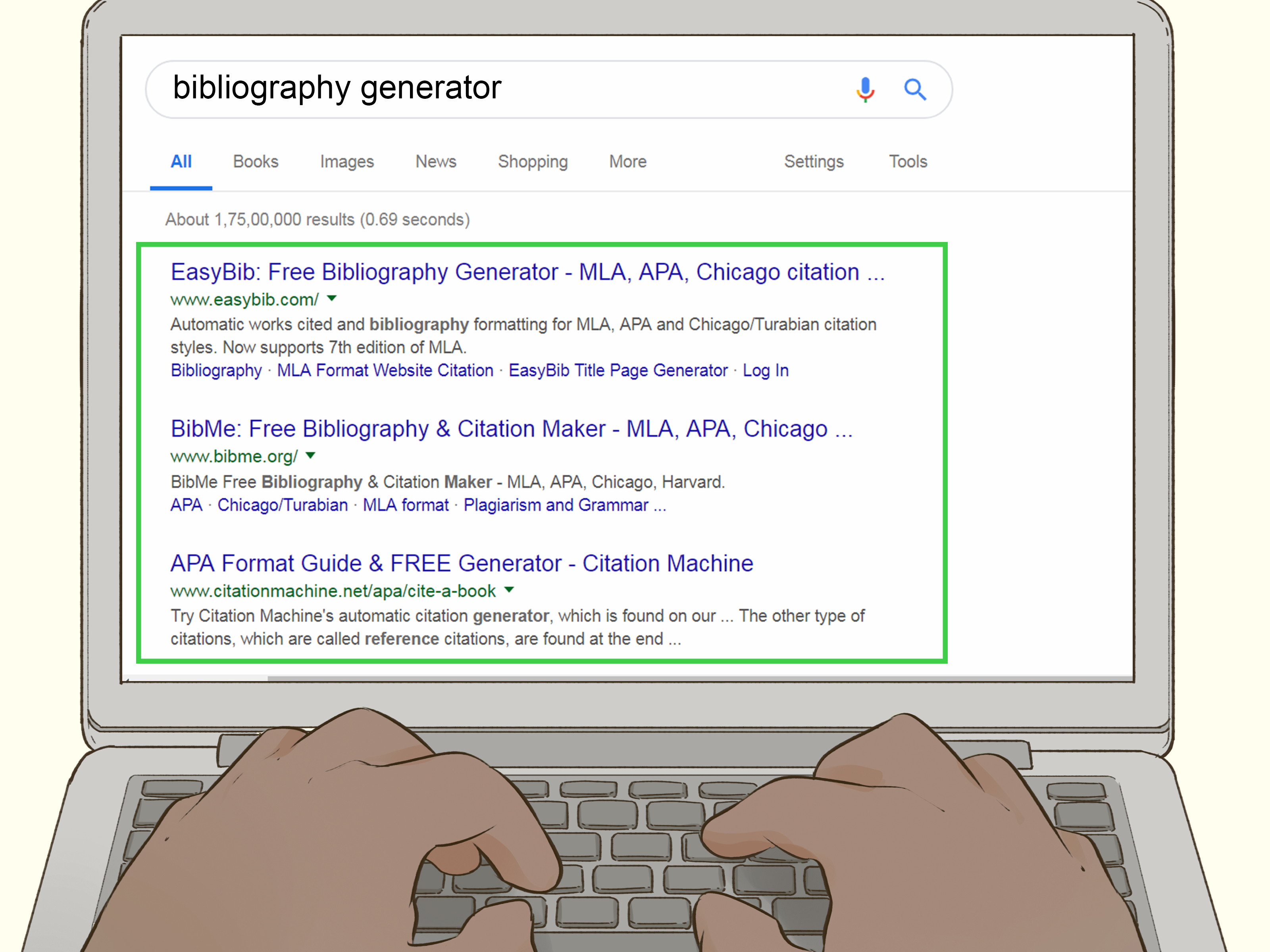
Citation generators are helpful, but they are not magic librarians wearing capes. They can misread authors, titles, dates, capitalization, or website names. Use them as assistants, not as final judges.
Example: Alphabetizing a Short Bibliography
Imagine you have these rough entries:
- The Story of American Music
- Brown, Alicia
- National Museum of African American History and Culture
- Adams, Robert
- An Introduction to Climate Science
- Brown, Marcus
The correct alphabetical order would be:
- Adams, Robert
- Brown, Alicia
- Brown, Marcus
- An Introduction to Climate Science sorted under I
- National Museum of African American History and Culture
- The Story of American Music sorted under S
Notice that “An” and “The” were ignored for sorting, but they remain part of the titles. Also notice that Brown, Alicia comes before Brown, Marcus because the first names are used only after the last names match.
How to Alphabetize a Bibliography in Word or Google Docs
If your entries are already complete, you can use a sorting tool in Microsoft Word or Google Docs. In Word, select the bibliography entries, choose the Sort option, and sort by paragraphs in ascending order. In Google Docs, you may need an add-on or sort manually, depending on your setup.
Here is the warning label, written in friendly ink: automatic sorting may not ignore “A,” “An,” and “The.” It may also mishandle entries with repeated authors, numbered titles, or organization names. Always review the final order yourself.
APA, MLA, and Chicago: Quick Style Notes
APA Reference List
APA style generally alphabetizes reference entries by the last name of the first author. If no author is listed, the title moves into the author position and is alphabetized by its first significant word. APA reference lists also use hanging indents and typically arrange same-author works by date.
MLA Works Cited
MLA style alphabetizes entries by the first element in the citation, usually the author’s last name. If there is no author, alphabetize by title while ignoring “A,” “An,” and “The.” MLA also uses hanging indents and double spacing.
Chicago Bibliography
Chicago-style bibliographies are commonly alphabetized by the author’s last name. If no author is available, the title or another first element may determine placement. Chicago formatting can vary between notes-bibliography and author-date systems, so check which version your assignment requires.
Practical Experience: What Alphabetizing a Bibliography Teaches You
The first time many students alphabetize a bibliography, they expect it to take five minutes. Then the bibliography looks back and says, “Cute.” In real writing situations, the challenge is rarely the alphabet itself. The challenge is noticing details: which word counts first, whether an organization is the author, whether a title begins with an article, and whether two authors share the same last name.
One useful habit is to build the bibliography early instead of leaving it for the final hour. When you add sources as you research, you can record citation details while they are still easy to find. This saves you from the classic late-night mystery: “Where did I get this quote?” That question has haunted more students than any comma rule ever could.
Another experience-based tip is to separate formatting from sorting. First, make every entry complete. Second, alphabetize. Third, apply spacing and hanging indents. When you try to do all three at once, mistakes sneak in wearing little socks. You may accidentally sort by a title that should have been listed under an author, or you may fix the order but ruin the indentation. A step-by-step process keeps the task calm.
It also helps to read the list out loud softly, especially when names are similar. “Anderson, Andrews, Baker, Barnes” sounds obvious when spoken. On a screen, your eyes may skip over the difference between “MacDonald” and “McDonald” or between “Johnson, A.” and “Johnson, B.” Reading slowly turns your brain into a better proofreading tool.
Teachers and editors often notice bibliography problems because the list is highly structured. A missing hanging indent or a title sorted under “The” stands out quickly. That does not mean your paper is doomed. It simply means the bibliography is a small credibility test. A clean, correctly alphabetized list tells readers you handled your research carefully.
Finally, alphabetizing a bibliography builds a skill that goes beyond school. Any job involving research, reports, catalogs, customer lists, databases, archives, or documentation rewards people who can organize information clearly. The bibliography may look like a dull final page, but it teaches order, accuracy, and respect for sources. Not bad for something that mostly asks you to know whether B comes before C.
Conclusion
Alphabetizing a bibliography is a simple skill with a surprising number of little rules. Start with the first element of each citation, usually the author’s last name. Ignore “A,” “An,” and “The” when sorting titles. Treat organizations as authors when they are listed that way. Use hanging indents, check your assigned style, and review the final list manually before submitting your paper.
Once you understand the pattern, a bibliography stops being a scary wall of citations and becomes what it was always meant to be: a clean, searchable map of your research. And unlike some maps, this one does not require folding it back into the glove compartment.
Note: This article is original web-ready content based on widely accepted APA, MLA, and Chicago bibliography-ordering practices. It does not include source-link markup or citation placeholders.